Create a new trivia story in the admin here
Ask your members a trivia question, awarding points if they answer correctly. Fans earn points for participating and answering trivia correctly daily, weekly, or monthly — all within the app.
Trivia lives under Point Earning › Trivia.
Give fans a fun and rewarding engagement activity by awarding points to the fans who answer trivia questions correctly.
Go to Point Earning › Trivia and click New Trivia, or go straight here in the admin.
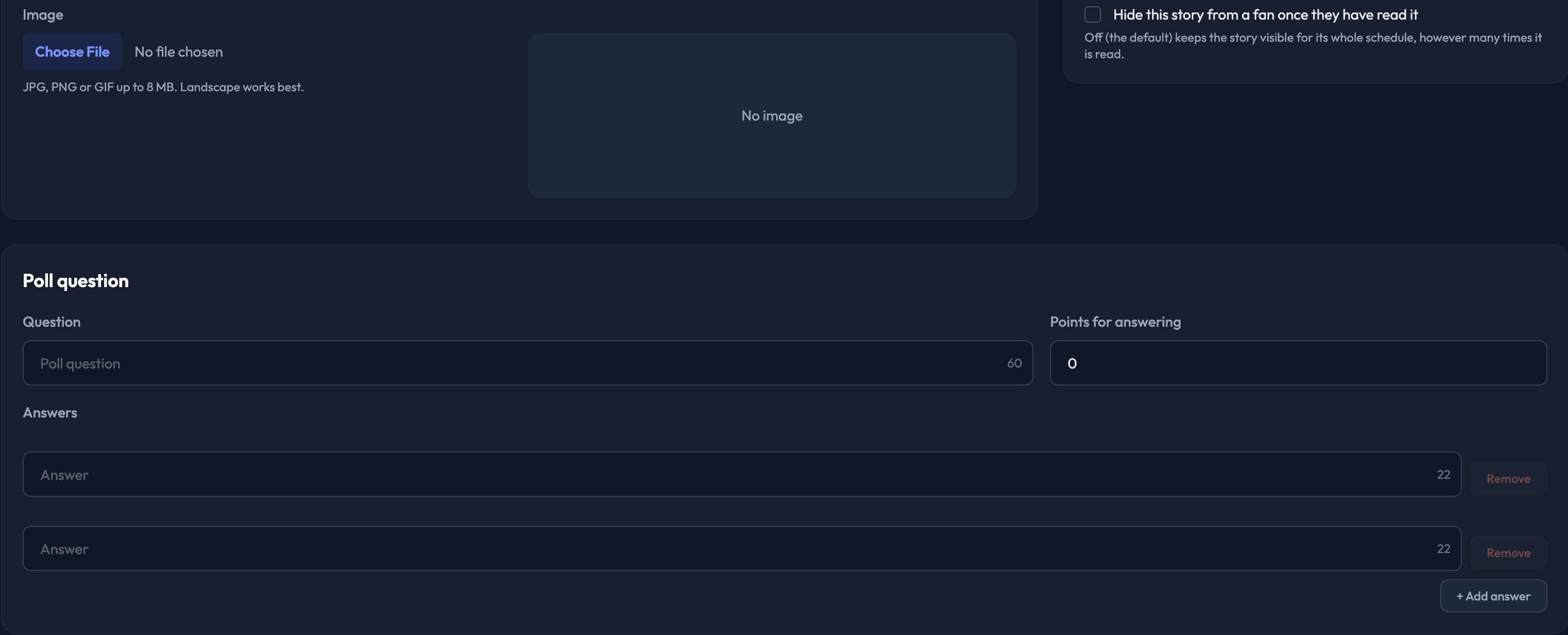
1. Under Trivia question, enter your Question (up to 160 characters).
2. Enter Points for a correct answer.
3. Fill in your Answers. You need at least two and can add up to four, each up to 30 characters.
4. Tick Correct next to the right answer. Exactly one answer must be marked correct — the form tells you when you have it right and will not let you submit until you do.
5. Under Details, add an optional Image. On a trivia story this is shown above the question, and 480×267 works best.
6. Under Schedule, set Go live on and Expire after, or tie the trivia to an event with Require attendance at an event? Both dates are pre-filled with live now and gone in seven days.
7. Under Audience & Visibility, optionally restrict who sees the trivia using the allow list, the block list, or allowed membership levels. Leave them empty and every member sees it.
8. Click Create trivia.


Some suggestions on how to use trivia stories with sponsors:
Run 'Trivia Tuesday' by adding 2-5 questions each week on a given day. Award points per question answered correctly, and add a sponsor's name and graphic to each question, as well as the sponsor's logo on the trivia thumbnail.
Run a 'Trivia Question of the Game' during the game and do a live read of your trivia question to promote it, maybe using a sponsorable graphic that ties into your loyalty program on your videoboard as well. This should help increase in-game engagement and new registrations with your program.
The trivia list shows views, the response count, and the percentage correct and incorrect for every question. Open a trivia story for the full breakdown by answer, and click Full response list for every individual response plus a Download CSV button.
