All colors are set as hex colors, so it's worth having your team's official hex values on hand before you start. You'll find them at Design & Content › Design in the admin, and the Live Preview on the right of the page repaints as you change them.
Your program runs on two colors. Everything else that used to be set by hand is now derived from those two, with a small set of optional overrides if you need to break the pattern.
Your main brand color. It paints buttons, selected answers in trivia, story backdrops, your member card, and the background gradient behind every screen when you haven't uploaded a background image of your own.
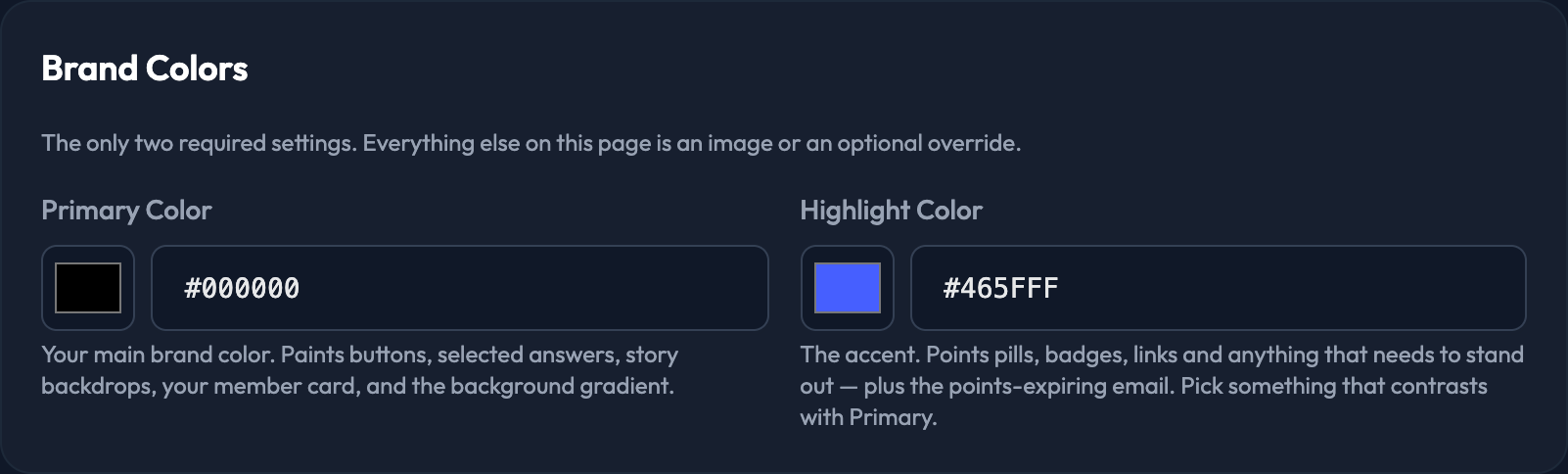
The accent — anything you're trying to draw attention to. Points pills, badges and links all use it, as does the points-expiring email.

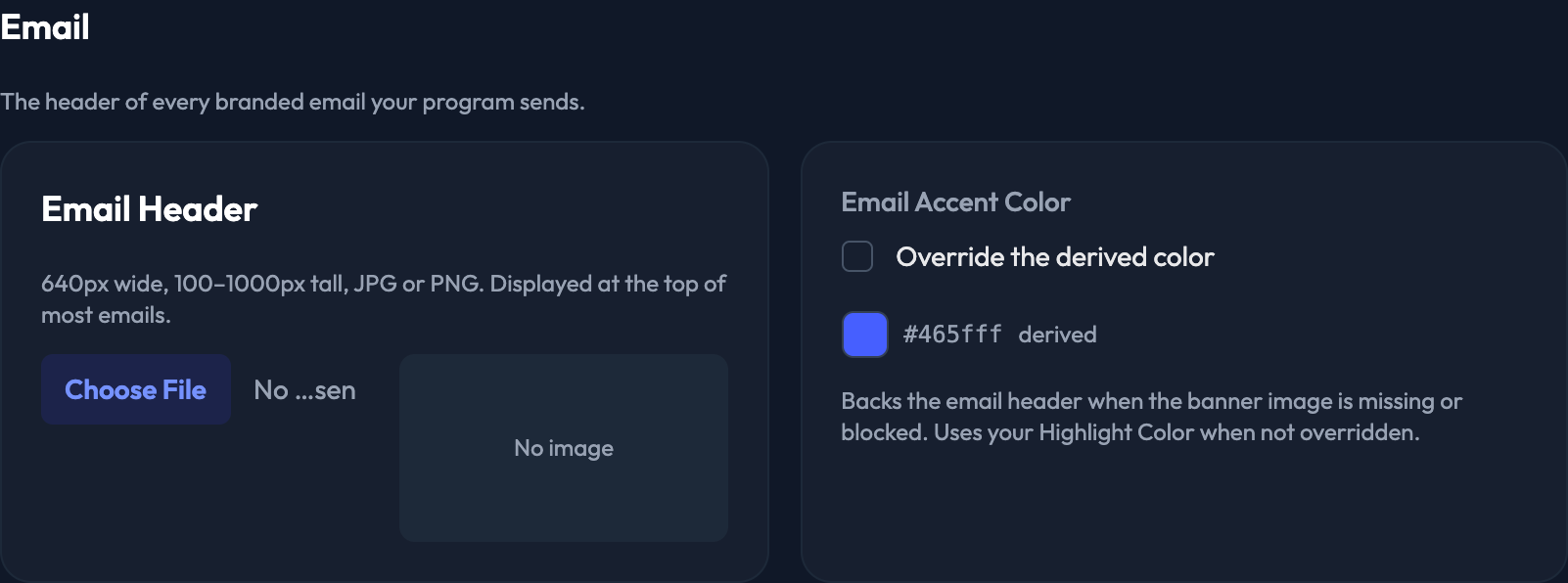
Found in the Email section. This backs the email header when the banner image is missing or the recipient has images turned off. Leave it blank and it uses your Highlight Color.
Both of the settings below are derived from your Primary Color automatically, which is why they live in a collapsed Advanced Overrides section. Expand it only when something specific needs its own color — most programs never do.
The backdrop of text-only Stories. Uses Primary when not overridden.
The color of the pins marking venue locations on the map. Uses Primary when not overridden. You can still customize the color for an individual venue group when you create it — this is the default for groups you don't change.

