Create a sweepstakes here in the admin — find it under Rewards › Sweepstakes.

Sweepstakes work like any raffle drawing. Members enter using their points, and they can enter as many times as they like — up to their available balance, and up to any per-member cap you set. Members don't get their points back if they aren't drawn. Sweepstakes are great for experiences, autographed items, or anything with a high perceived value.

Experiences and items that work well:
Stadium Tours
Meet and Greets with Players and/or Coaches
Sideline Passes
Watch a Practice
Signed Items from Players/Coaches/Ex-Players
Programs from Important Games of the Past
Bring in a Partner or Sponsor for things like:
Exclusive Discounts
Travel Package with a group of fans for an away game
Gift Card/Coupon from your Partner
Click New Sweepstakes on the Sweepstakes page. Everything is configured on one page — the same form you'll use when editing later.
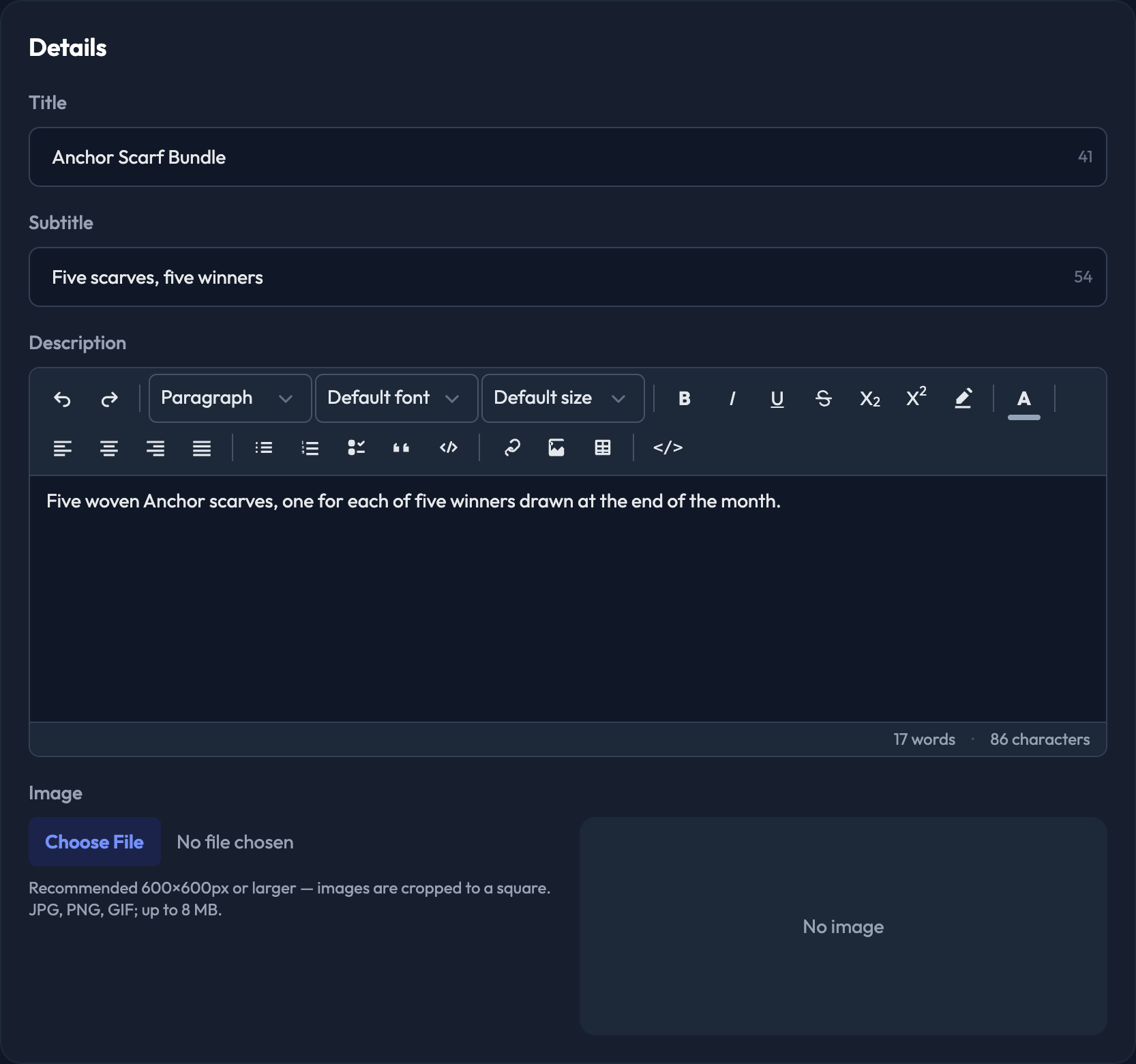
1. Enter the Title. There's a 60-character limit.
2. Optional: enter a Subtitle (up to 80 characters).
3. Enter the Description. This is a rich text editor, so you can format it.
4. Upload the Image members see in the store. Recommended 600×600px or larger — images are cropped to a square. JPG, PNG or GIF, up to 8 MB.
5. Enter Points per Entry. Set it to 0 to make entry free — free entries are limited to one per account.
6. Optional: enter the Cash Value ($) — the declared retail value of the prize.
7. Optional: set Max Entries Per User. Set it to 0 for no limit.
8. Choose Winners to Draw — how many winners the draw picks. A member can only win once.
9. Optional: tick First entry is free. The free entry only applies while entry costs points.
10. Optional: with that ticked, you can also tick Only in the mobile app, so the free entry is available only to members entering through the app.
11. Optional: on sites that offer it, tick Require an address to enter — entrants must give a shipping address before their entry counts.
12. Set Entries Start and Entries End.
13. Set Winners Drawn At. It has to be at or after the close time, and the draw runs automatically once it passes.
14. Optional: open Rules & Messaging to add your Terms & Conditions and an Entry confirmation message — the note shown to the entrant right after they enter. Leave the confirmation blank to use the default.
15. Tick how the prize reaches the winner — Shipping (mail the prize to the winner's address), Pickup (the winner collects it in person), and on sites that have it enabled, Other (pickup under a custom label, e.g. Will Call). Shipping can combine with either collection method, but Pickup and Other are the same thing under different labels, so only one of those two applies — ticking one unticks the other.
16. Fill in what appears with your choice:
Pick Other and you also fill in Other fulfillment display text — what the winner reads in place of "Pickup".
Pick Pickup or Other and a Pickup instructions (shown to the winner) editor appears.
Pick Shipping and you get Delivery instructions (shown to the winner) plus an optional Product weight (lbs), which carrier rate lookups and label-printing partners use.
17. Optional: open Audience & Visibility to control who sees it:
Admin only (hidden from members) — entries can then only be awarded by an admin or a punch card
Publicly listed — shows it in the public sweepstakes listing
Allowed membership levels — leave empty for everyone
Filter Tags — let members filter the storefront, e.g. Experiences, Signed, VIP
Restrict to users on the allow list / Exclude users on the block list — limit or hide it by member tag
Show to unqualified members — members who don't qualify still see it, locked and not enterable, with an optional custom message
18. Click Create Sweepstakes. (On an existing one the button reads Save Changes.)
Winners are picked at random from the entries, and a member can only win once. The draw runs by itself at the Winners Drawn At time you set — there's nothing to remember.
If you'd rather not wait, open the sweepstakes and use the Queue Winners Draw button. It tells you how many winners it will pick and from how many entries. The draw is queued for a worker to process, so give it a moment rather than clicking twice.
Once winners exist they're listed at the top of the sweepstakes page with the contact details on file. To replace one, use Queue Re-draw on that winner's card: a replacement is picked and the original winner's order is voided.

