
Redemptions
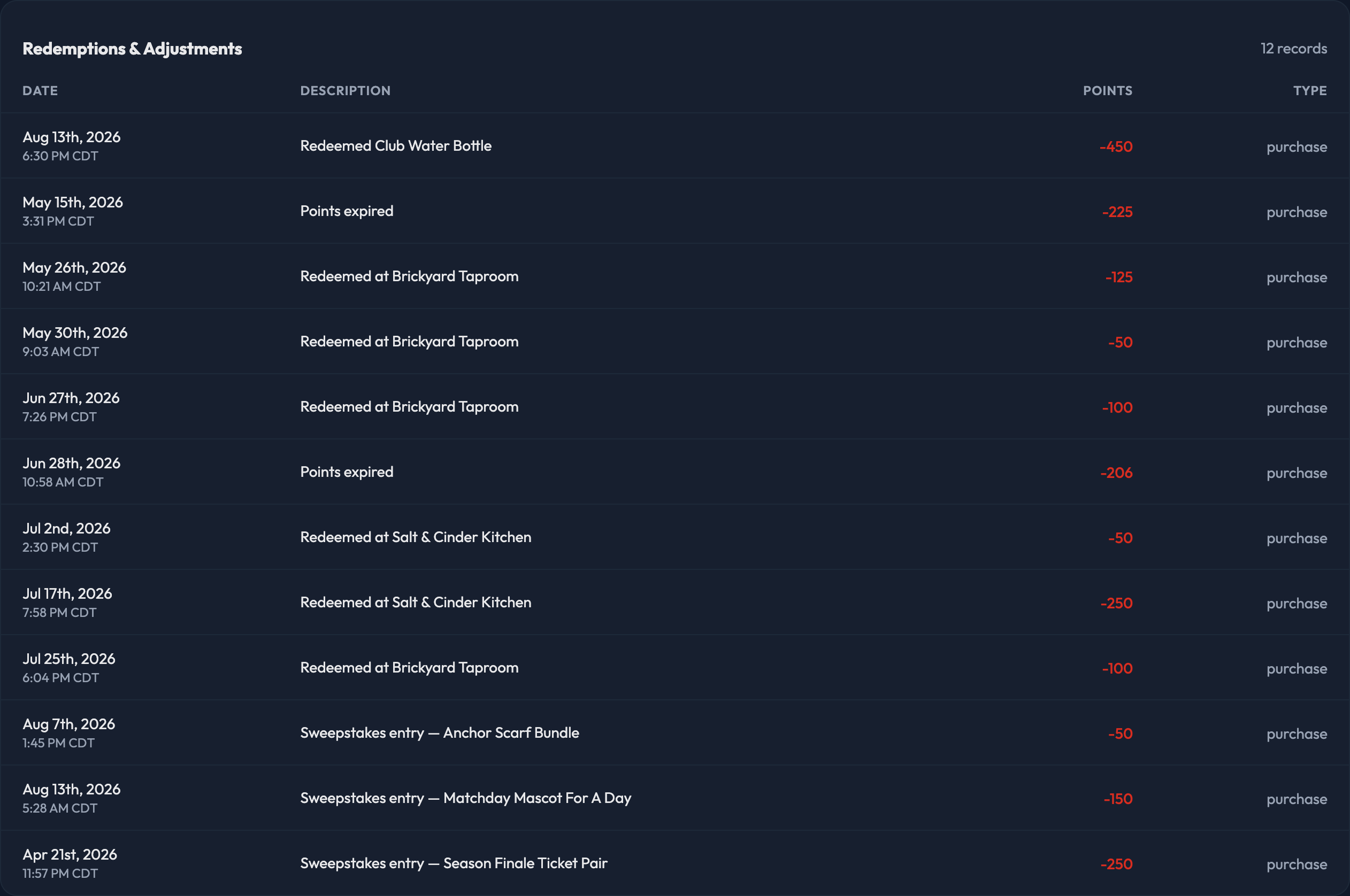
The Redemptions tab is where you'll find every point adjustment on a member's account — the full record of points leaving (or coming back to) their balance. Each row shows:
Date
Description — the reason recorded for the adjustment
Points — negative when points came off the account, positive when they were returned
Type — what caused the adjustment
Orders
Looking for a specific order? The Orders tab has the member's full order history. Each row shows:
Date
Type — prize item, auction, or sweepstakes
Item — click through to that prize, auction, or sweepstakes in your store
Qty
Delivery — pickup or shipping
Status — Completed, Pending, or Canceled
Click View on any row to open the full order, where you can update shipping and mark it complete.
