
Big Screen is launched from your gallery here in the admin
To project your Big Screen animation to your videoboard, follow the steps below. MAKE SURE YOU ARE USING GOOGLE CHROME!
Presenting a gallery
1. Go to Events › CrowdCameo to open the Galleries list.
2. Open the gallery you would like to present — click its name, or choose Manage from its Actions menu — then click the Big Screen tab.
3. Under Rotation Settings, set your Photo rotation interval (seconds) — how long each photo sits on screen before rotating out.
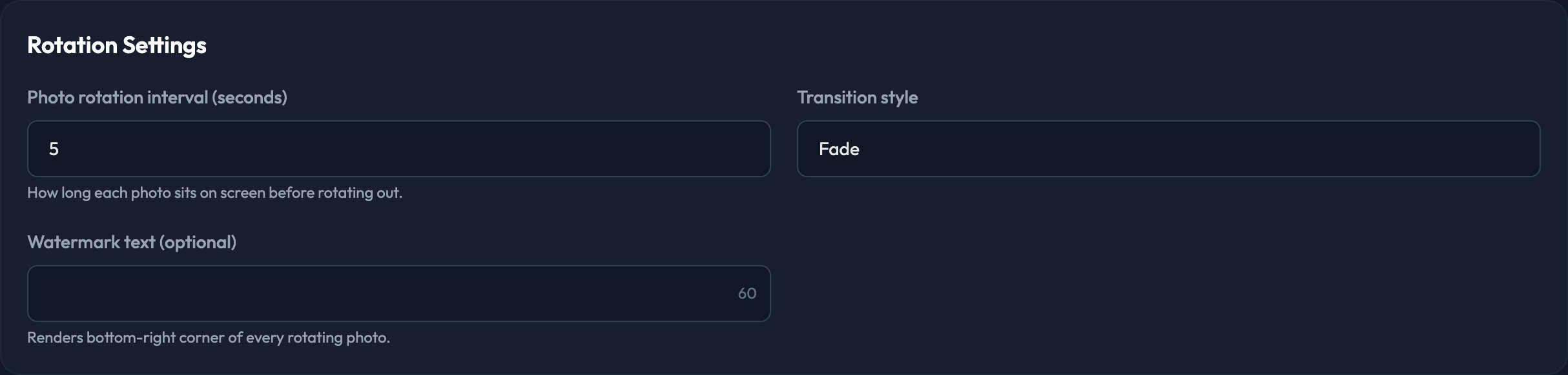
4. Pick a Transition style: Fade, Slide or Cut. You can also add optional Watermark text, which renders in the bottom-right corner of every rotating photo.
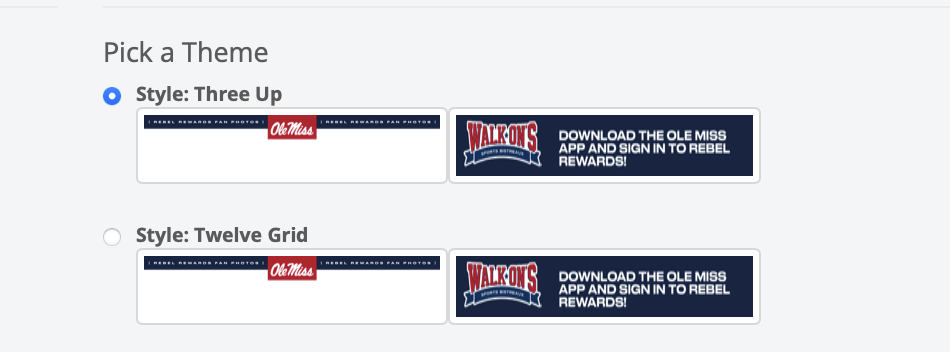
5. Under Pick a Theme, choose the theme you want — Three Up or Twelve Grid.
6. Check the Approved Photos (preview) section. It tells you how many approved or featured photos are available for the rotation.
7. Click Save Settings to keep your choices, or Present on bigscreen.fanmaker.com to save and launch the presentation.
8. Make sure you are using the Google Chrome browser before proceeding.
9. Go full screen in your browser.
10. Press the space bar to start the animation, or to restart it.
11. Press the "S" key to stop the presentation.
