Big Screen themes are configured here in the admin
You're already collecting photos from your most loyal fans, rewarding points, and displaying them in galleries within your app. Now it's time to present those photos on your in-venue video board or Big Screen!
Go to Events › CrowdCameo, then click the Big Screen Themes tab. A theme is site-wide — build it once and any gallery can present with it.

Click New Theme. One form covers both layouts — pick the layout first, then upload the artwork.
1. Layout preset — choose Three Up (min 12 photos) or Twelve Grid (min 24 photos).
2. Header — required. 1920 wide × up to 400 tall, PNG only (it needs real transparency). This image is aligned at the top of the presentation and can overlap the fan photos if it is too tall.
3. Footer — required. 1920 wide × up to 400 tall, PNG only. Aligned at the bottom of the presentation, and it can overlap the fan photos if it is too tall.
4. Background — required. 1920×1080, JPG or PNG; transparency is not supported. It appears as the background of your presentation.
5. Graphic — optional. 1920×1080, JPG or PNG. This is your opening graphic, shown before the rotation starts.
6. Picture frame — optional. 500×500, PNG only (it needs transparency). It is overlaid on top of each fan photo, with the photo showing through. Useful for style and for sponsorship.
7. Click Create Theme.
The three required images are marked Required on the form, and each field previews the file you pick before you save.
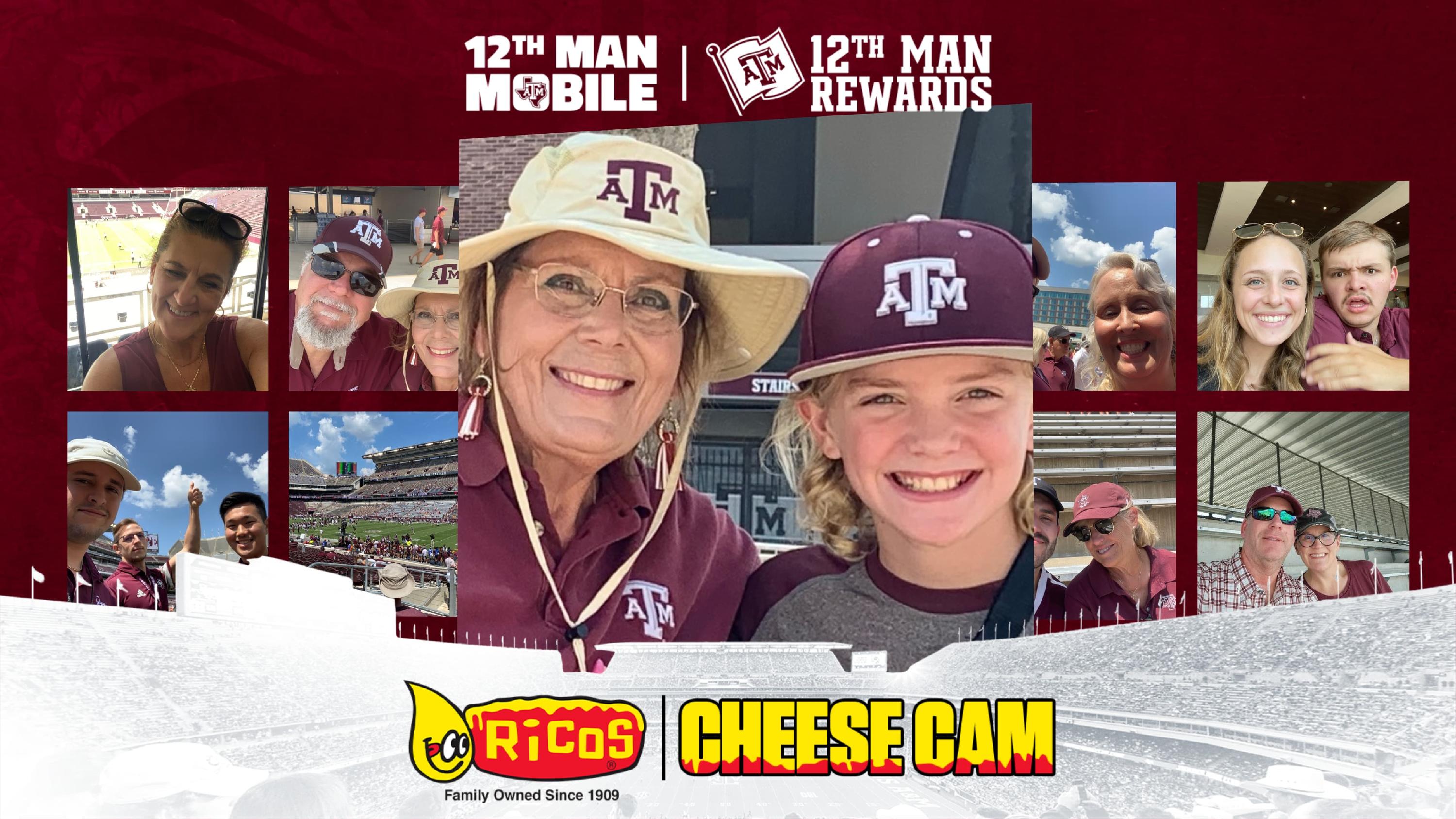
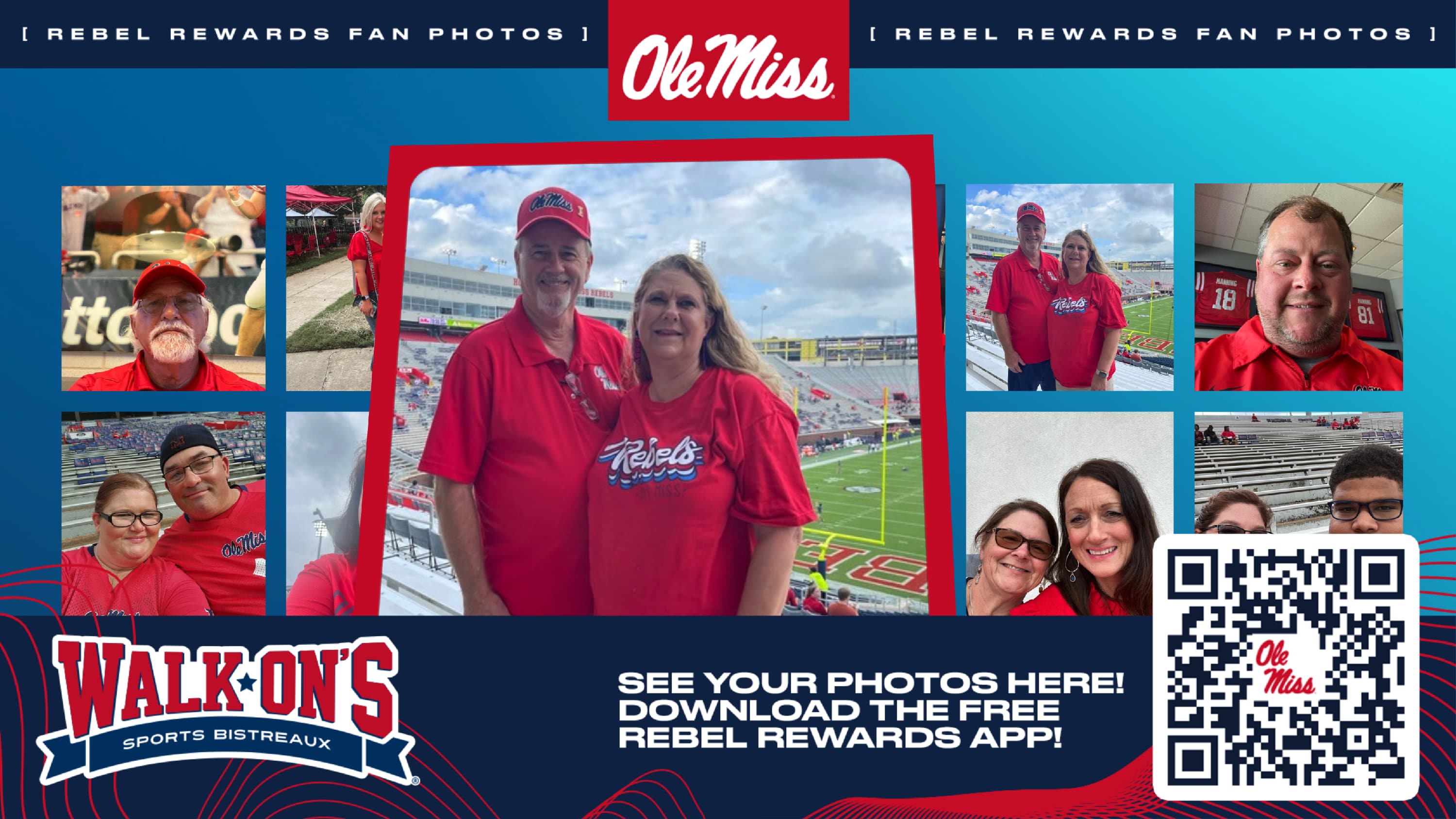

The Big Screen Themes list shows each theme's preset, along with thumbnails of its header and footer. Use Edit to change one — the same form, with a Save Theme button — or Delete to remove it.
