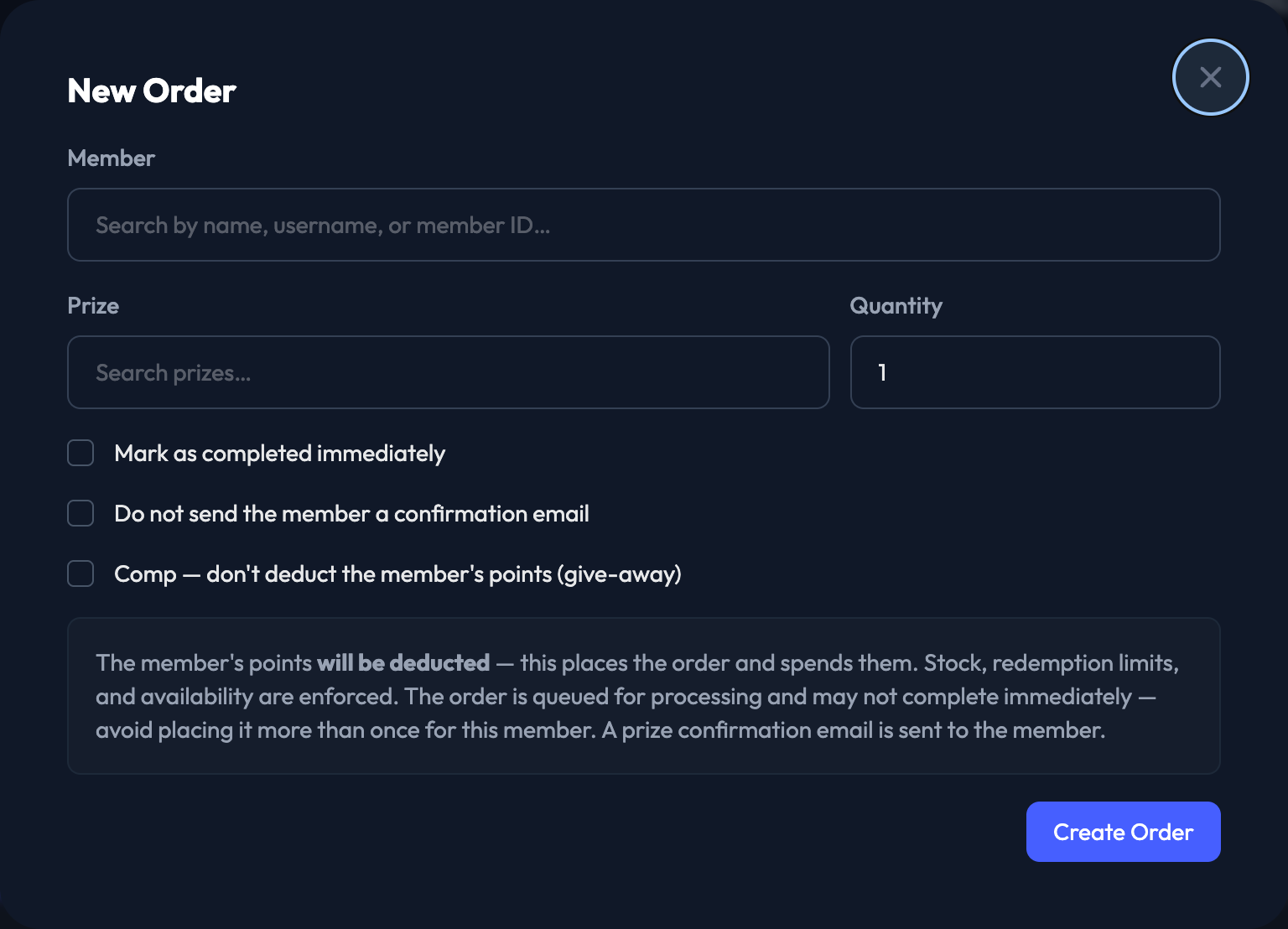
You can place an order on a member's behalf from Rewards › Orders. Click + New Order in the top right and the order form opens right there.
1. Search for the Member by name, username or member ID, then pick them from the list. Their available points appear underneath.
2. Search for the Prize and pick it. The remaining quantity appears underneath.
3. Enter the Quantity.
4. If the prize has variants, choose an Option.
5. If the prize is paid by credit card, choose a Card on file — or click + Add card to add one for that member.
6. Choose the Delivery method (Ship or Pickup). If you choose Ship, fill in the Shipping address.
7. Optional: tick Mark as completed immediately.
8. Optional: tick Do not send the member a confirmation email.
9. Optional: tick Comp — don't deduct the member's points (give-away).
10. Click Create Order.