View the Prizes page here — it lives under Rewards › Prizes in the admin.
Prizes are things a member can claim from your store, most often by spending the points they've earned. Great for tangible merchandise: hoodies, jerseys, novelty items, and so on.

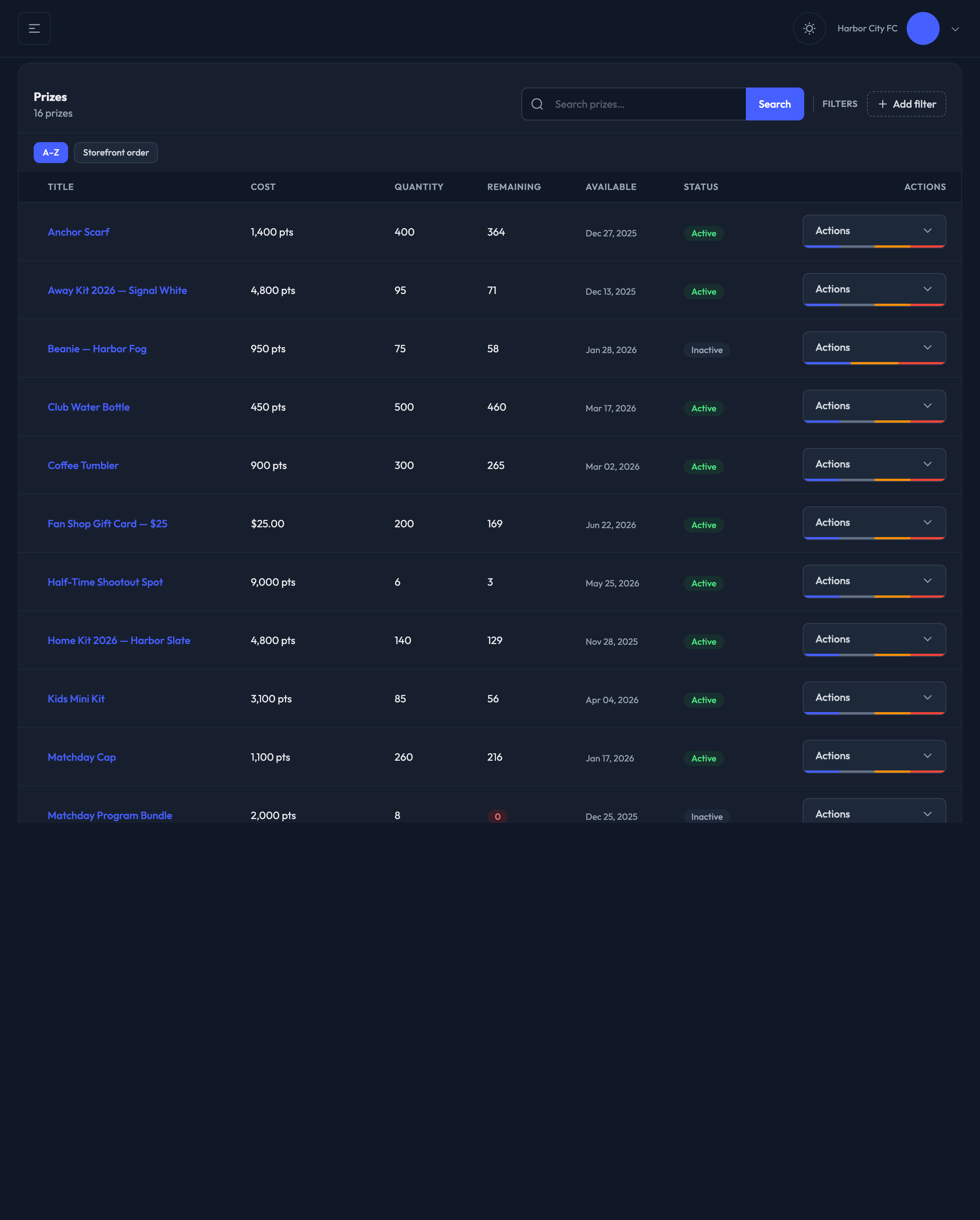
Two controls sit in the table header, side by side:
1. Search — type to search your prizes by title, with suggestions as you go.
2. Filters — click to add a filter chip. There are two to choose from:
Status — Active, Inactive, or Trashed. Inactive prizes aren't visible to members, and Trashed shows deleted prizes so you can restore them.
Purchase method — Points, Credit card, Points or card, or Pay via Invoice.
With no filter applied you're looking at every live prize on the site.
When nothing is filtered or searched, two sort chips appear above the table:
A–Z — alphabetical, the default working view
Storefront order — the order members actually see in the store
Switch to Storefront order and a drag handle appears on every row: drag rows to change what members see first. The new order saves as you go, and a confirmation appears above the table.
Title — click it to open the prize
Cost — the points and/or dollar price, depending on the purchase method
Quantity — the total stocked, or Unlimited if none was set
Remaining — live remaining stock, after non-canceled orders. It turns red at zero.
Available — the Available From date, so you can see when a prize unlocks at a glance
Status — Active or Inactive. Inactive prizes are not visible to members.
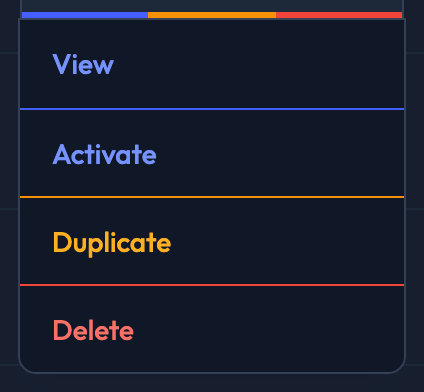
Open the Actions menu on any row to:
View the prize (this is also the edit page)
Deactivate it, or Activate it if it's currently off
Duplicate it — this opens a prefilled New Prize form, so nothing is saved until you click Save. Options, fulfillment rows, images and digital codes aren't copied, and the copy starts inactive.
Delete it — the prize moves to Trashed and can be restored
For a trashed prize the menu collapses to View and Restore.