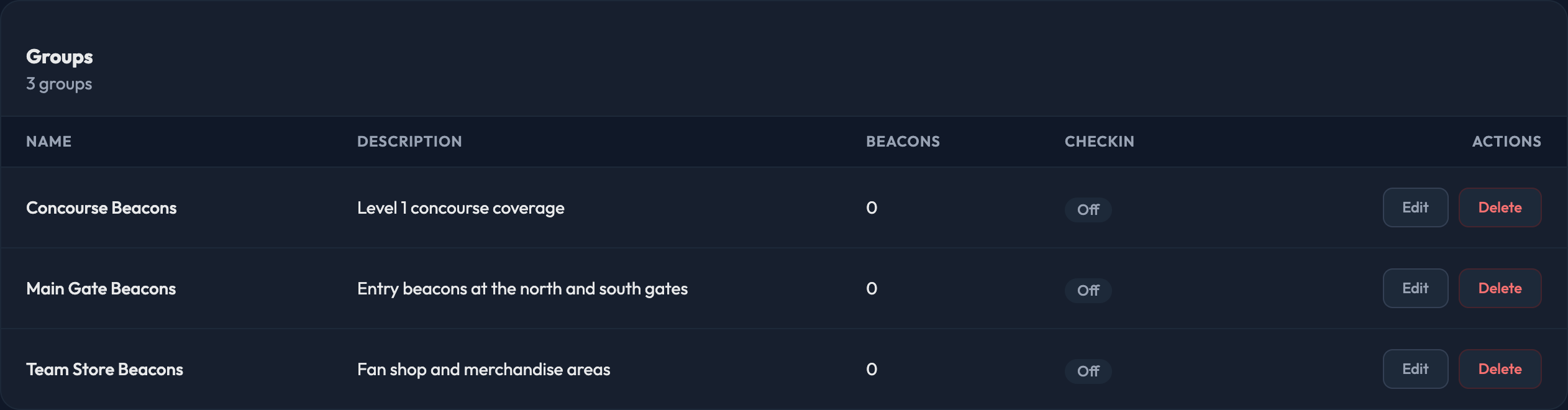
Beacon groups bundle individual beacons into actionable zones. You may have as many as you wish, and you can add or edit them under Events › Beacons › Groups.
The Beacons area has four tabs: Beacons (the individual hardware), Groups, Regions, and Notifications.

New Group
Click New Beacon Group and fill in:
1. Name the beacon group. It has to be unique on your site.
2. Add a description.
3. Tick Check-in Enabled if members entering this zone should be checked in.
4. Under Beacons in this Group, check the box next to each beacon you want in the group. Each one shows its venue beside the name, so you can tell similar beacons apart.
5. Click Create Beacon Group.
The Groups list then shows each group's Name, Description, how many Beacons it holds, and whether Checkin is enabled. Use Edit to change any of it, or Delete to remove the group.