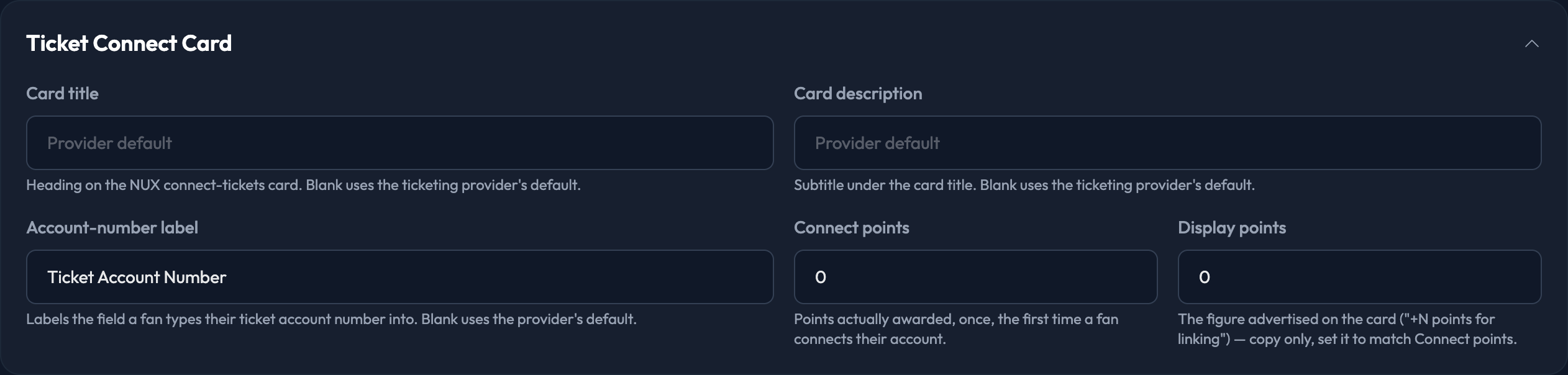
This is the copy on the card members use to connect their ticket account. It only applies to programs running a ticketing system.

The whole section only appears if your site has a ticketing provider connected.
What You Can Set
Card title — the heading on the connect-tickets card. Leave it blank to use the ticketing provider's default.
Card description — the subtitle under the title. Blank again uses the provider's default.
Account-number label — labels the field a member types their ticket account number into. Blank uses the provider's default.
Connect points — the points actually awarded, once, the first time a member connects their account.
Display points — the figure advertised on the card ("+N points for linking"). This is copy only, so set it to match Connect points.