Your Frequently Asked Questions live at Design & Content › FAQs in the admin. FAQs help you answer the questions members ask most often about taking part in your program.
The table lists each FAQ's Question with a short excerpt of its Answer, so you can scan to the right row. Drag the handle at the left of a row to change the order they appear in — the new order saves on its own, and you'll see Order saved above the table.
Creating a New FAQ
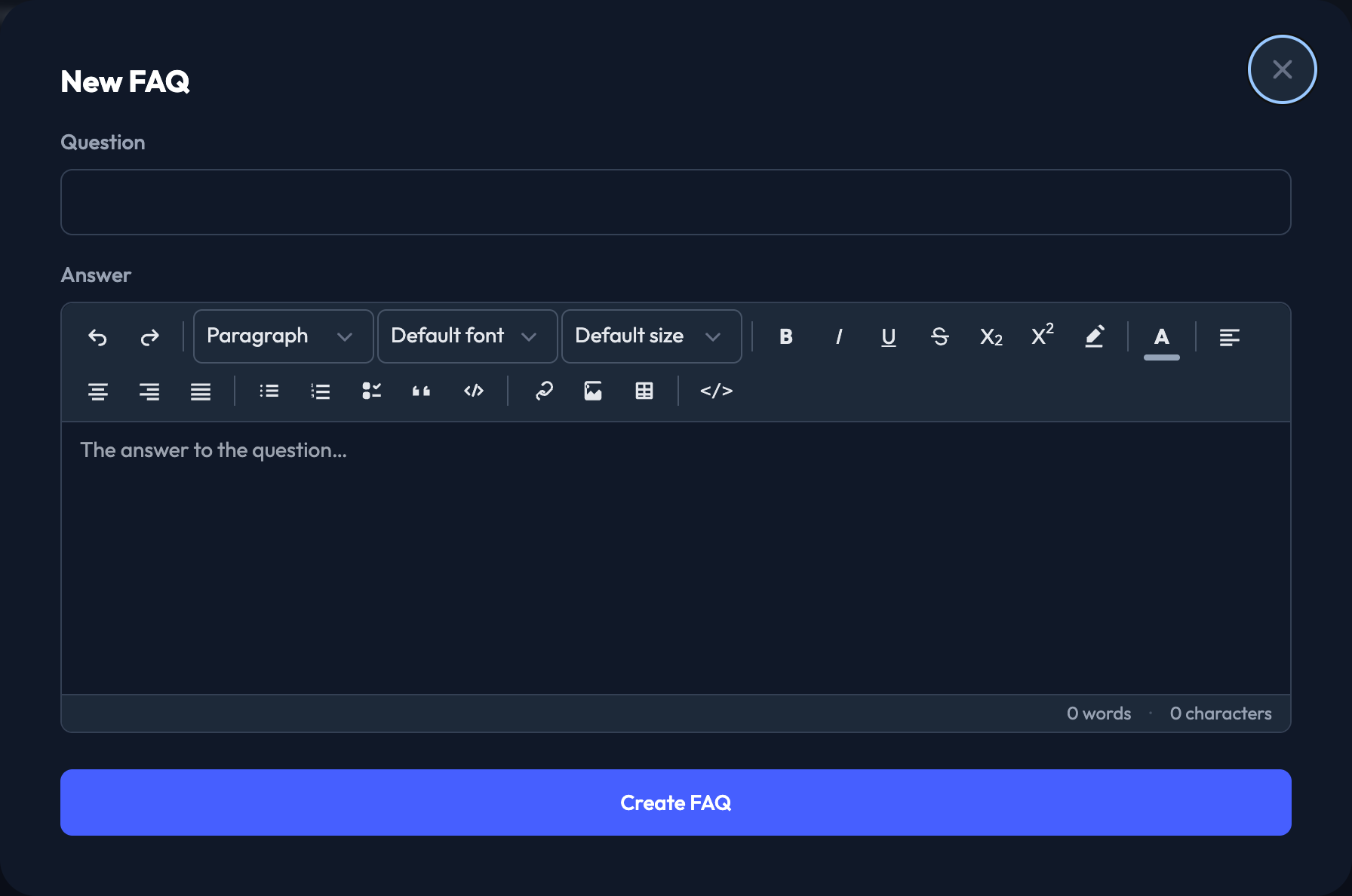
1. Click New FAQ.
2. Enter the Question you want to display to your members.
3. Enter the Answer. This is a rich-text field, so you can format the answer and add links.
4. Click Create FAQ.
Editing and deleting
Edit on any row reopens the question and answer for changes; Save Changes applies them. Delete removes the FAQ after a confirmation.