
Action Stream ads are square images that display in the Action Stream, the feed on your program's home screen. Where more than one is active, they're rotated between members.
You'll find them at Design & Content › Ads in the admin, alongside your banner ads.
Once an ad is live, the Ads table shows its total Impressions and total Clicks, along with a thumbnail Preview, its click-through URL and its Status.
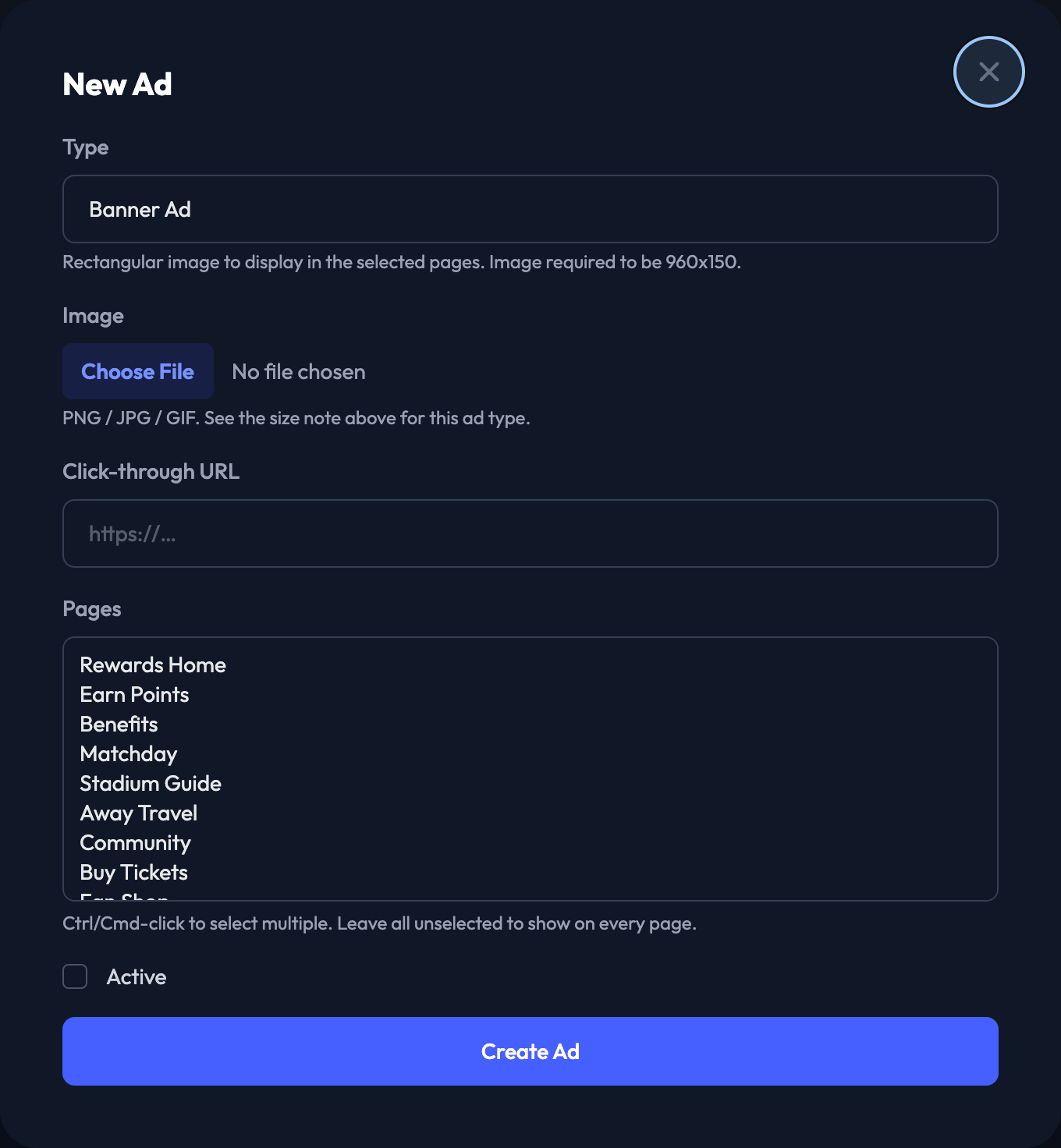
New Ad
1. From the Ads page, click New Ad.
2. For Type, choose Action Stream Ad. The size requirement for the type you pick appears just below the dropdown.
3. Upload your Image — a square image, 800x800.
4. Add the Click-through URL for your ad.
5. Tick Active to make the ad live.
6. Click Create Ad.


Editing and deleting
Edit on any row lets you swap the image, change the URL, or switch the ad on and off — leave the image field blank to keep the current one. Delete removes the ad after a confirmation.