
To delete a Kids Profile you must:
1. Find the kid you are trying to delete either via the members tab
2. Click on their profile
3. Then go to the manage tab
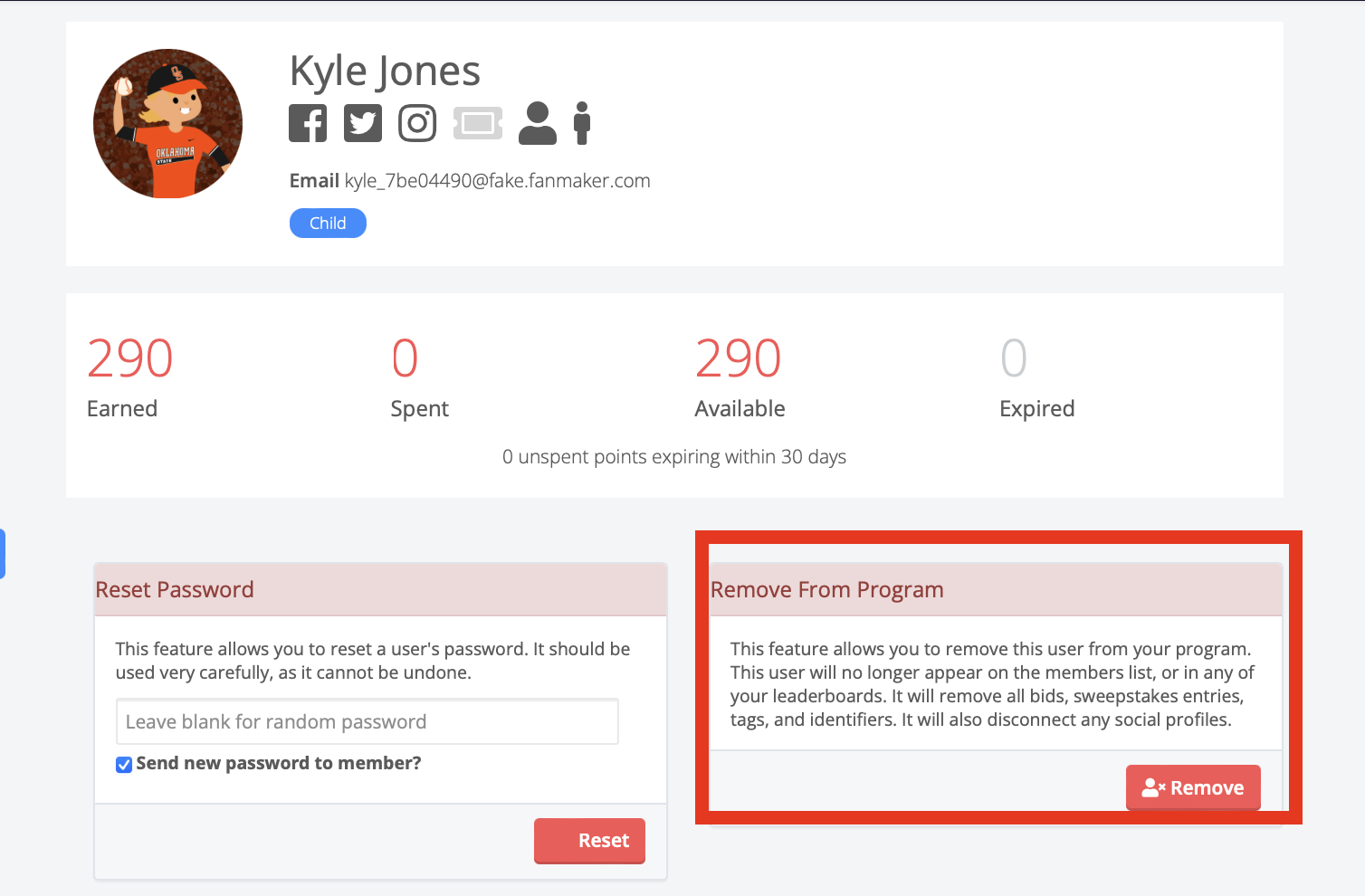
4. Hit Remove from Program
To delete a Kids Profile you must:
1. Find the kid you are trying to delete either via the members tab
2. Click on their profile
3. Then go to the manage tab
4. Hit Remove from Program