
Click a member from the Members list, then open the Points tab to add or remove points by hand.
What you'll see first
Four cards across the top: Total Earned, Total Spent, Available Balance, and Expiring (30 days). Below them, a Points Detail card breaks the same numbers out line by line.
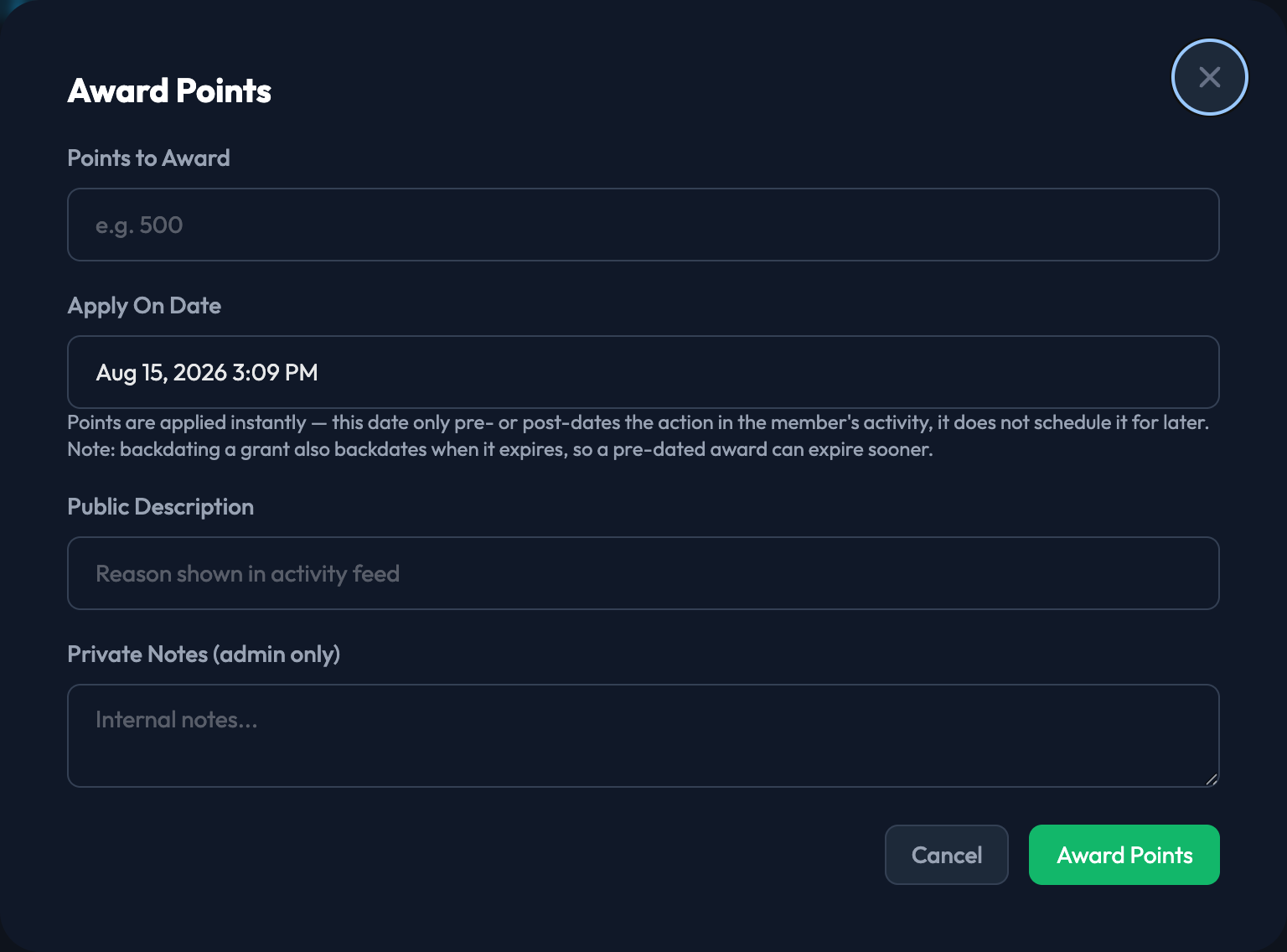
Award Points
Click Award Points and fill in:
1. Points to Award — how many points to add.
2. Apply On Date — defaults to right now. This only pre- or post-dates the award in the member's activity feed; the points land immediately either way.
3. Public Description — the reason the member sees in their activity feed.
4. Private Notes (admin only) — internal notes for your own record keeping. Members never see this.
Then click Award Points to commit.

Deduct Points
Deduct Points works the same way — Points to Deduct, Apply On Date, Public Description, and Private Notes. The modal shows the member's current available balance so you can see what you're working against before you commit.