
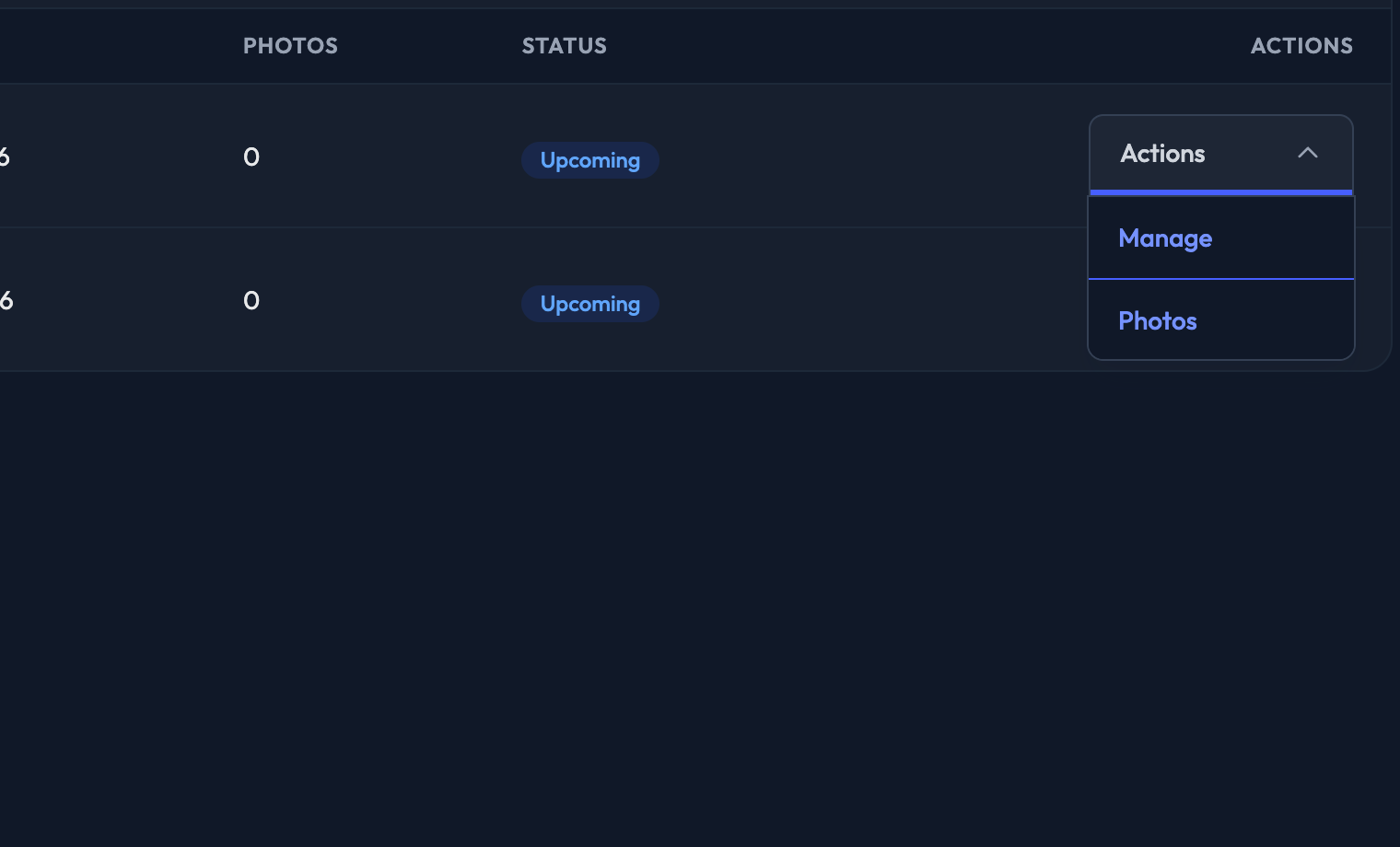
On the Galleries list — Events › CrowdCameo — click a gallery's name, or choose Manage from its Actions menu, to edit the settings for that one gallery.
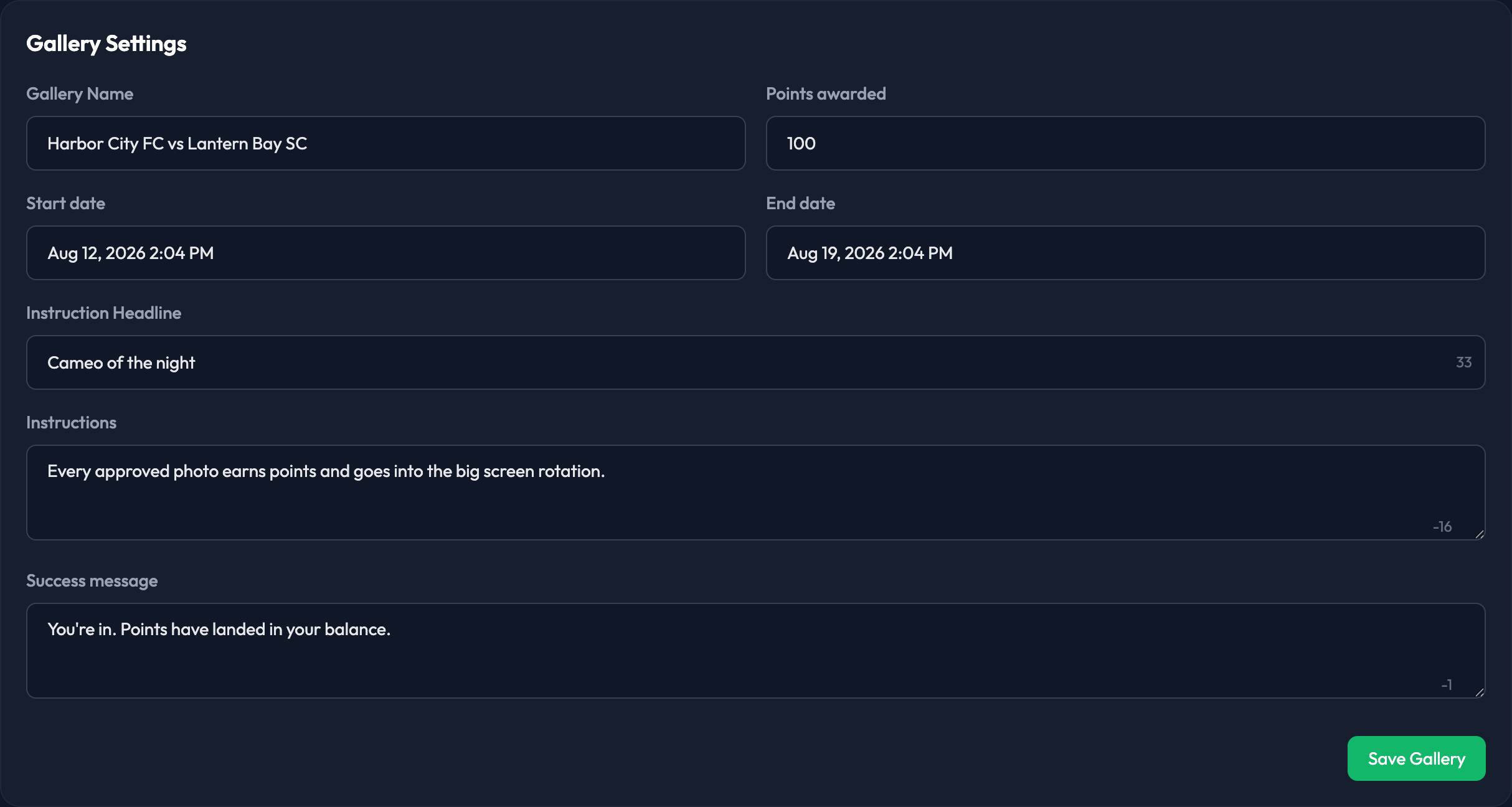
The gallery page opens on Overview, with counts of Pending Photos, Approved Photos and Total Photos, and then the Gallery Settings card.
The settings you can change are:
1. Gallery Name — what you recognise the gallery by in the admin.
2. Points awarded — what members earn for submitting a photo.
3. Start date — date and time.
4. End date — date and time.
5. Instruction Headline
6. Instructions
7. Success message — what members see after submitting a CrowdCameo photo.
Click Save Gallery when you are done.

Note: The Instruction Headline, Instructions and Success message all have defaults, shown greyed out in the box. Leave a field empty and members see the default; type something and yours replaces it for this gallery.
Note: These settings apply to this gallery only. Auto-approve, flag removal and the sponsor imagery are site-wide and live on Events › CrowdCameo › Settings.