Visit the Sweepstakes page here in the admin — find it under Rewards › Sweepstakes.

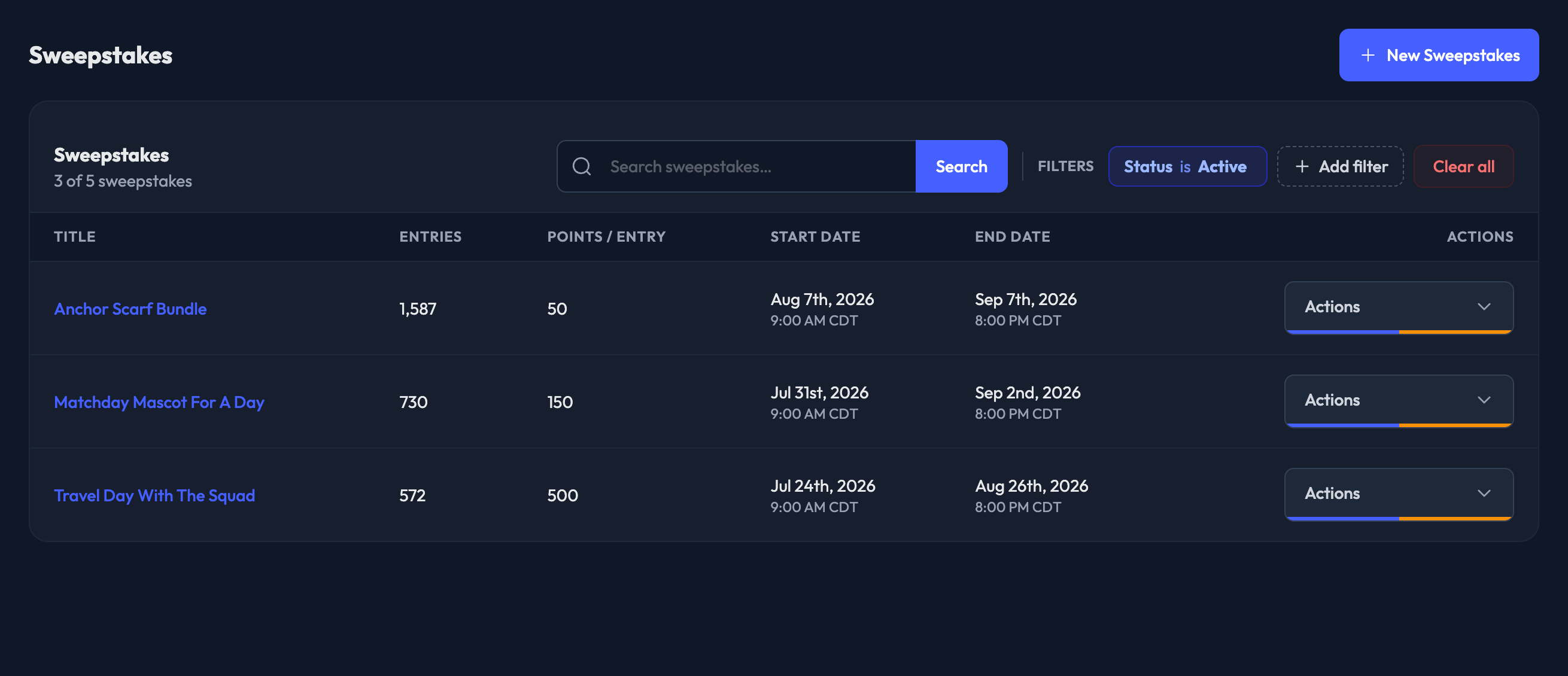
Two controls sit in the table header, side by side:
1. Search — type to search your sweepstakes, with suggestions as you go.
2. Filters — a Status chip is always applied, so you can see at a glance what you're looking at. Click it to switch between:
Active
Upcoming
Ended
All sweepstakes
Title — click it to open the sweepstakes
Entries — total entries across all members
Points / Entry — what one entry costs
Start Date
End Date
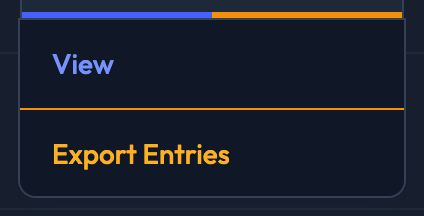
Open the Actions menu on any row to:
1. View the sweepstakes — this is also the edit page, and where the draw, winners, manual entries and recent entries live
2. Export Entries — this queues a report and takes you to the Reports hub, where you can watch progress and download the file when it's ready
All of these live on the sweepstakes' own page, not in the list. Open it by clicking the title.
Queue Winners Draw appears while a sweepstakes is still undrawn. The draw also runs automatically at the Winners Drawn At time you set, so this is only for when you don't want to wait.
Once winners exist, each winner card carries a Queue Re-draw button. It picks a replacement and voids the original winner's order.
Export Entries is also a button at the top of the page.
Delete is there too, for super admins.

