The Profile tab is where you'll find and update everything about an individual member's account.
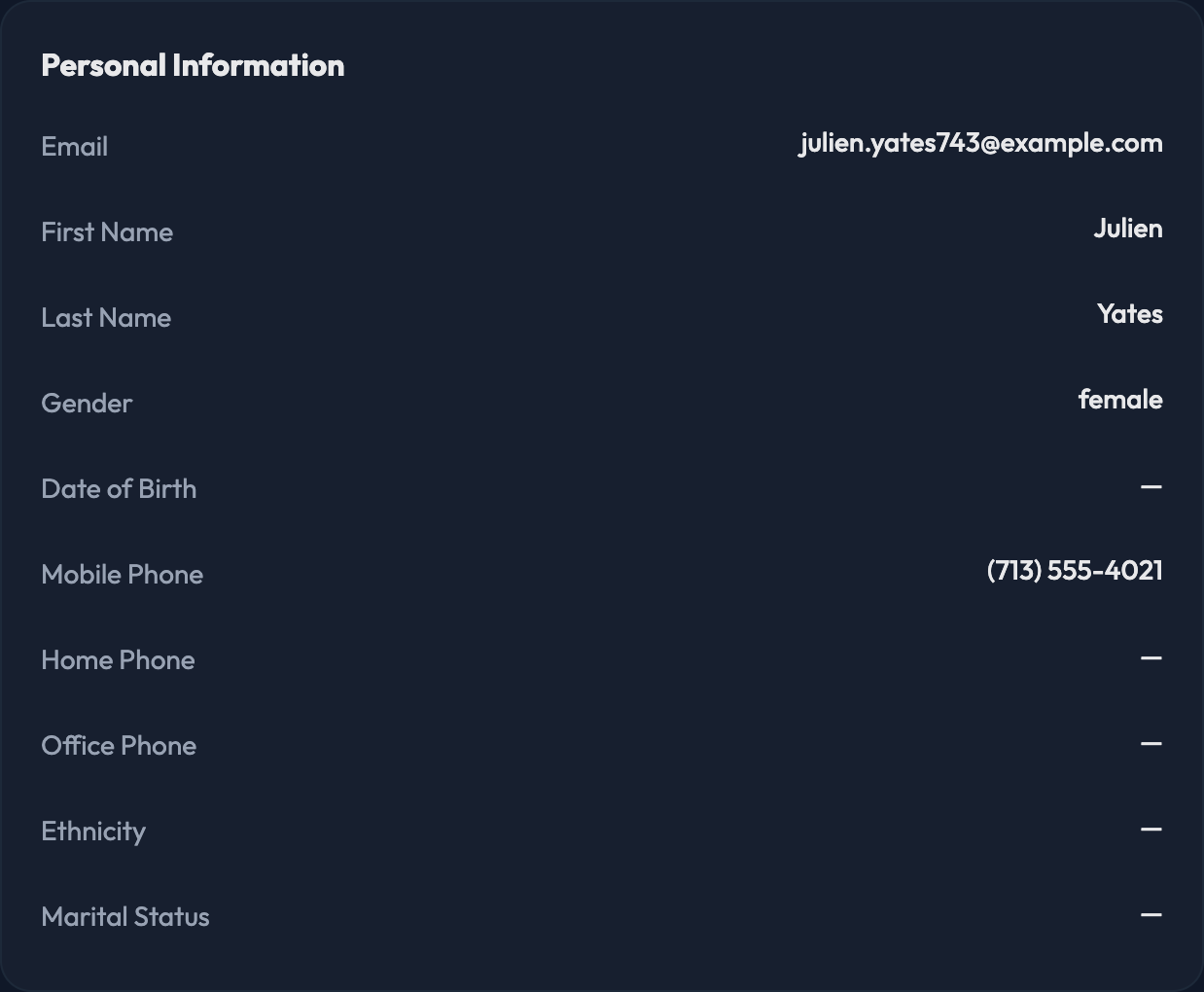
Personal Information
First Name and Last Name
Gender
Date of Birth
Mobile Phone, Home Phone, and Office Phone
Ethnicity
Marital Status
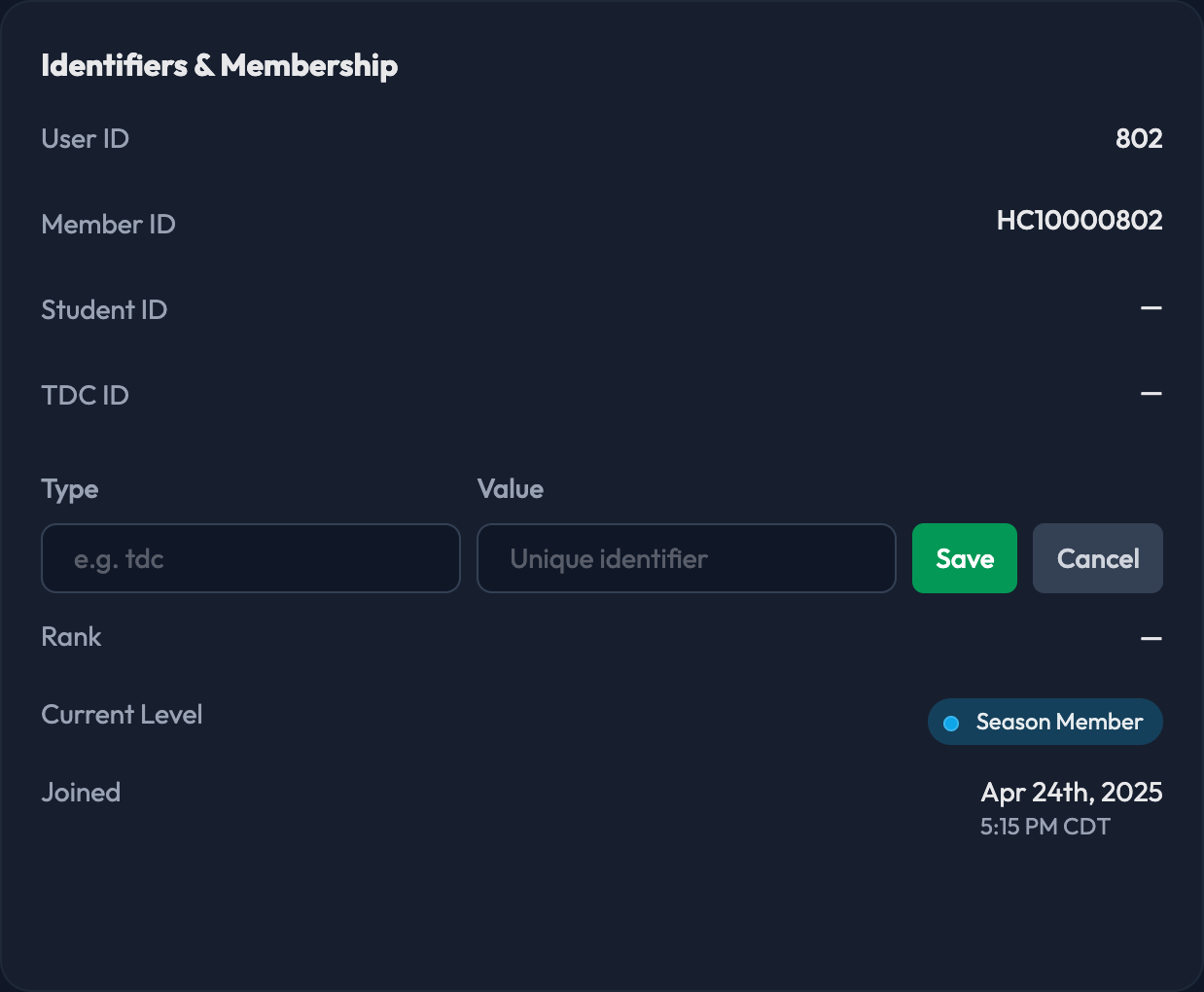
Identifiers & Membership
User ID — the account's permanent ID, and the only field here you can't change
Member ID
Student ID
Ticketing identifiers such as Ticketmaster ID, TDC ID, or Paciolan ID, depending on which systems your program is connected to
Any custom identifiers your program uses
Rank
Current Level
Joined date, plus Inactive Since if the member has gone inactive
Email Addresses — every address on the account, flagged as Primary and either deliverable or Undeliverable.
Address — Street, Street 2, City, State, Zip, and Country.
Tags, Topics, and Discount Groups.
Every editable field is click-to-edit. Click the value you want to change, type the new one, and hit Save — or Cancel to back out. There's no separate edit form to open first.

Tags — search your existing tags, or type a new one and press Enter to create it.
Topics — the interests this member follows. You can only pick from the topics configured under Settings › Topics.
Discount Groups — pick the groups this member belongs to, then click Save Groups.
If a member is stuck verifying their email, click Generate verification code on the Email Addresses card. The code appears right on the page so you can read it to them. Expire codes cancels any code that's still active.
