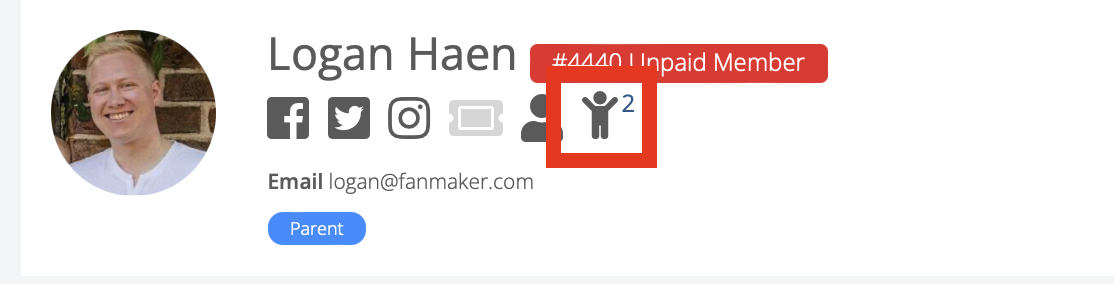
To manage payment and profile information on your kids and parents go to the members tab and search for the user of interest. Open their profile and click on the Kids icon (highlighted)
Profile Overview
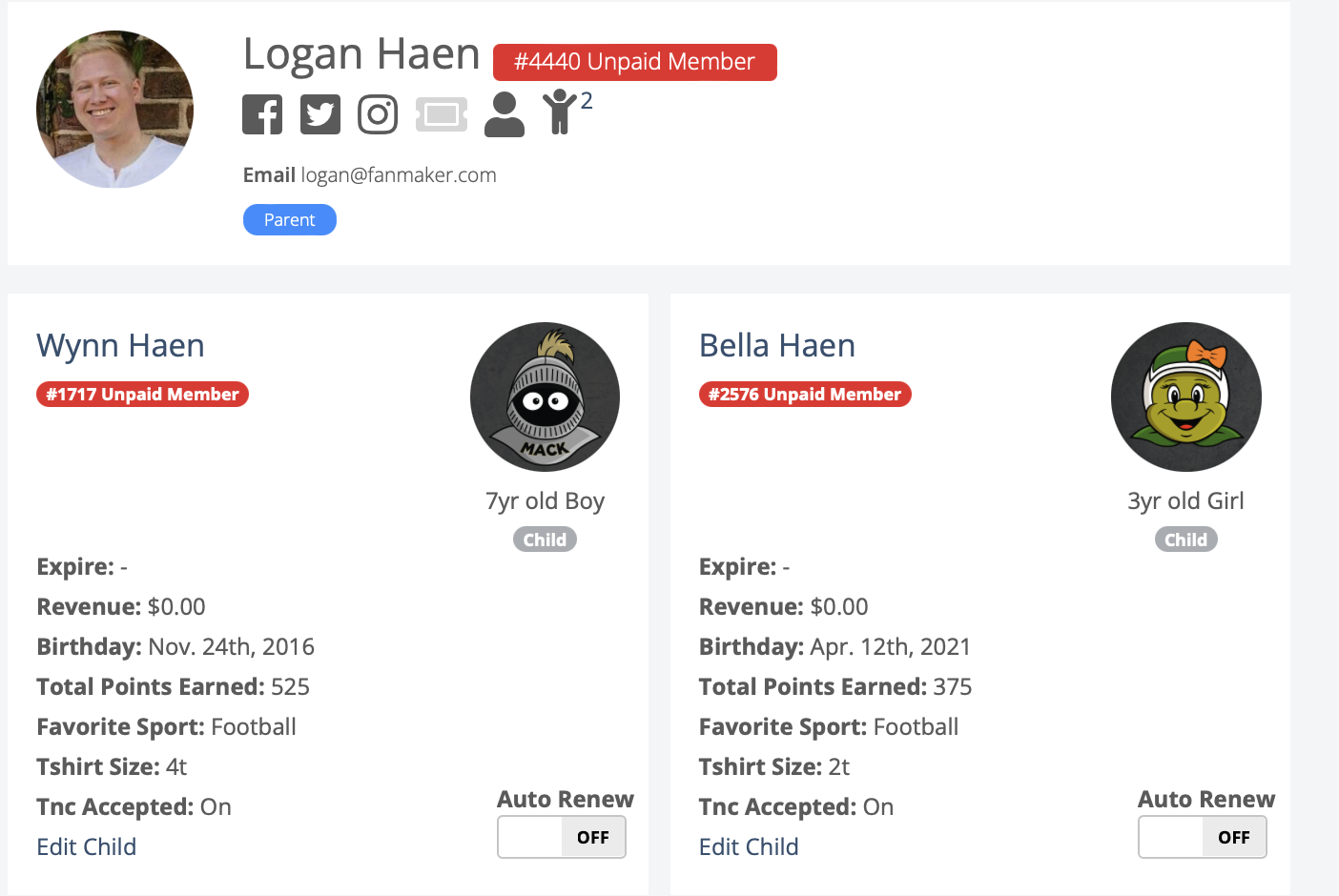
Then it should bring you to a screen like this where you can:
See if Payments were successful
Refund an Order
Edit Kid Profile Information (Name, T-Shirt Size, Favorite Sport) etc.
Reviewing Payments
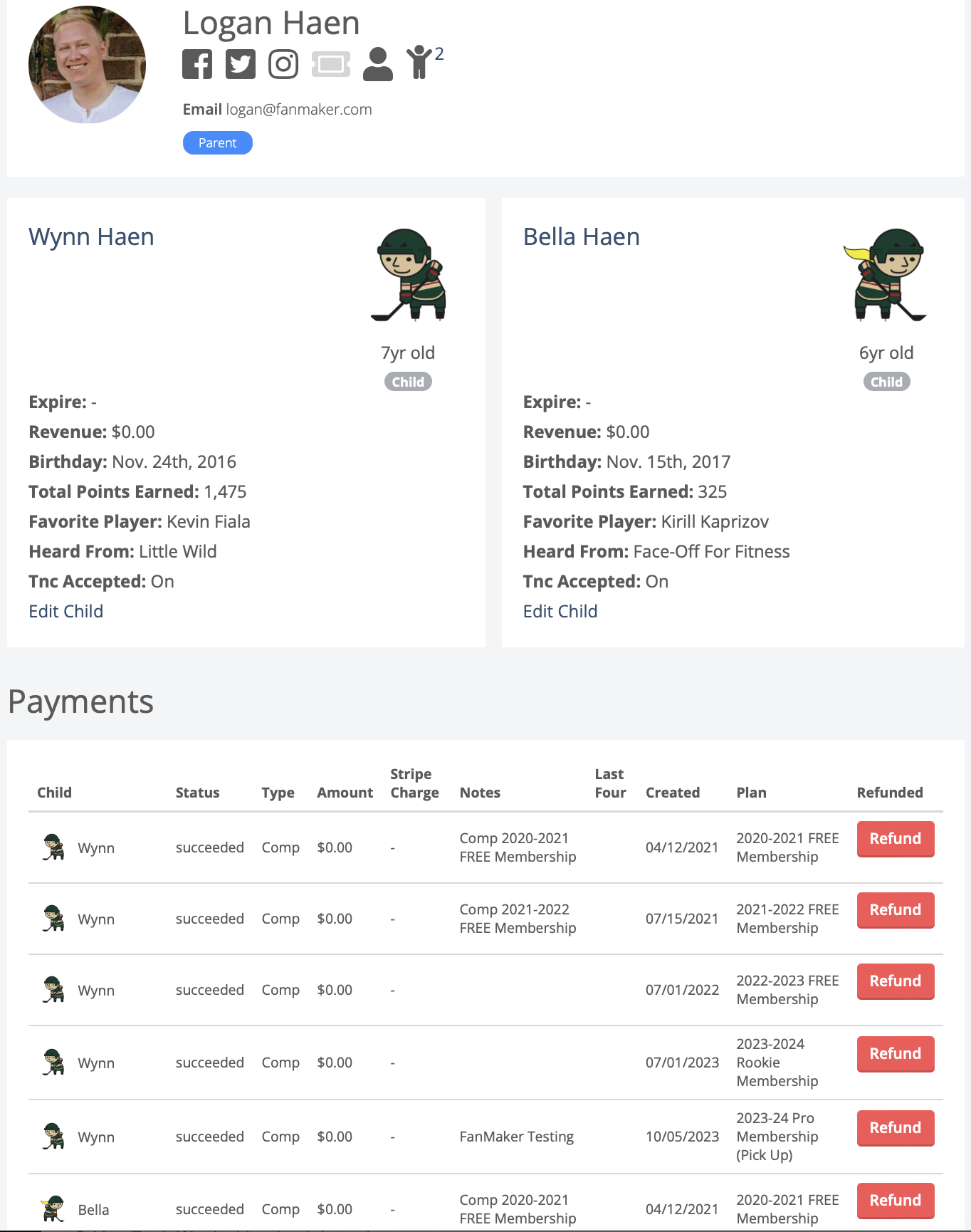
Another example with some payment screenshots, to review if payments were successful. To refund an order hit the refund button.
Editing Kids Information
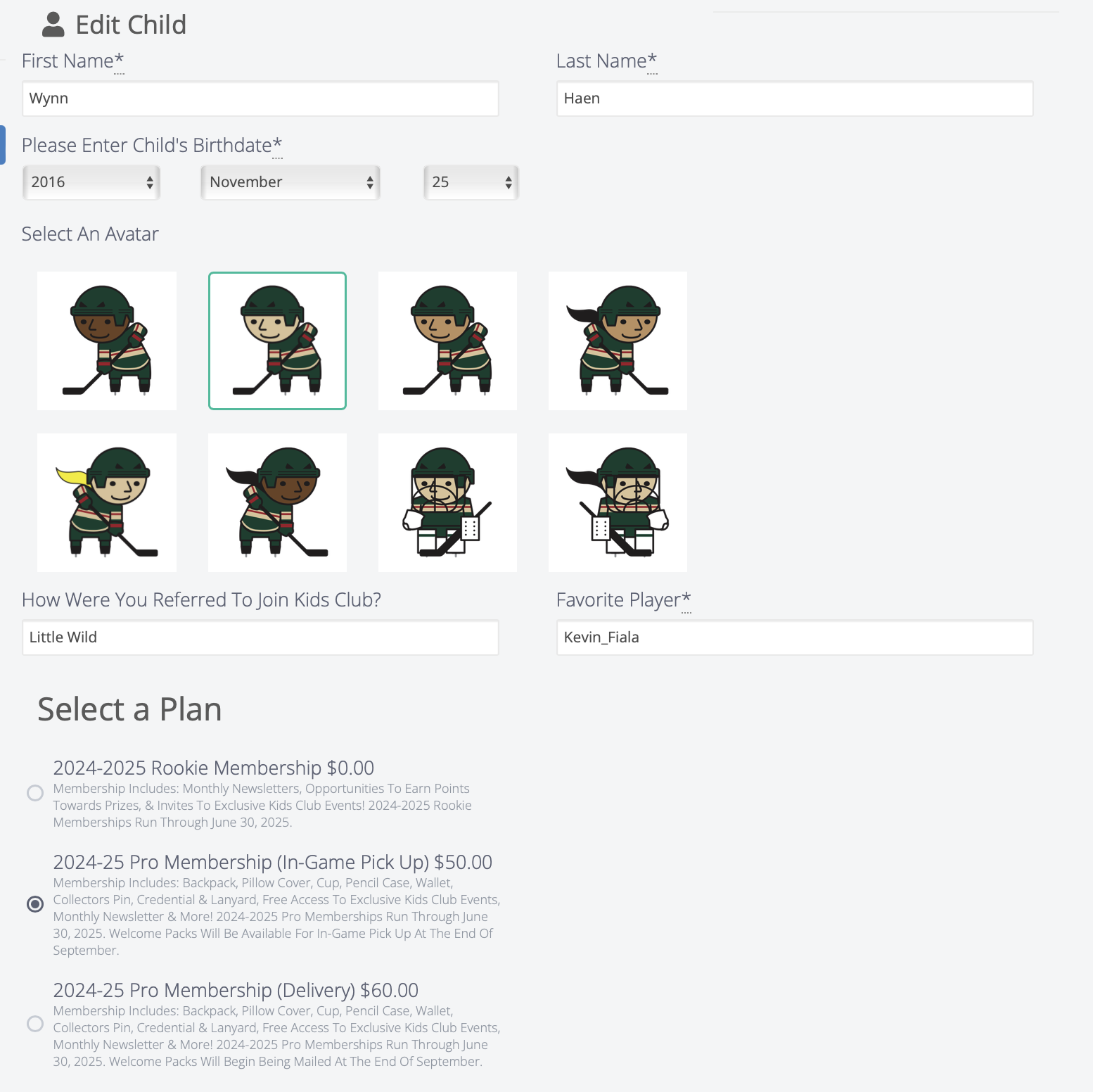
To Edit the Kids Information hit the "edit child" button:
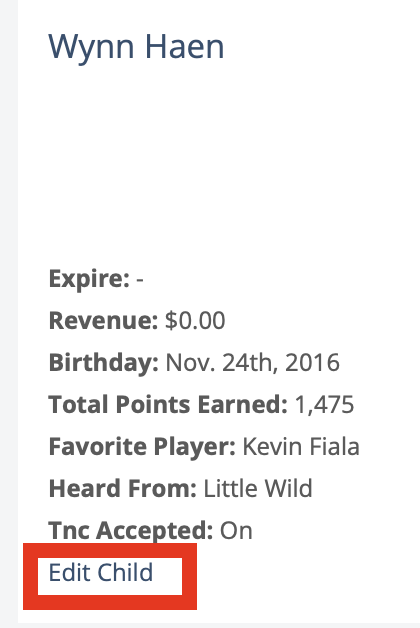
And should bring you to a screen like this where you can edit some of the information from your kids: