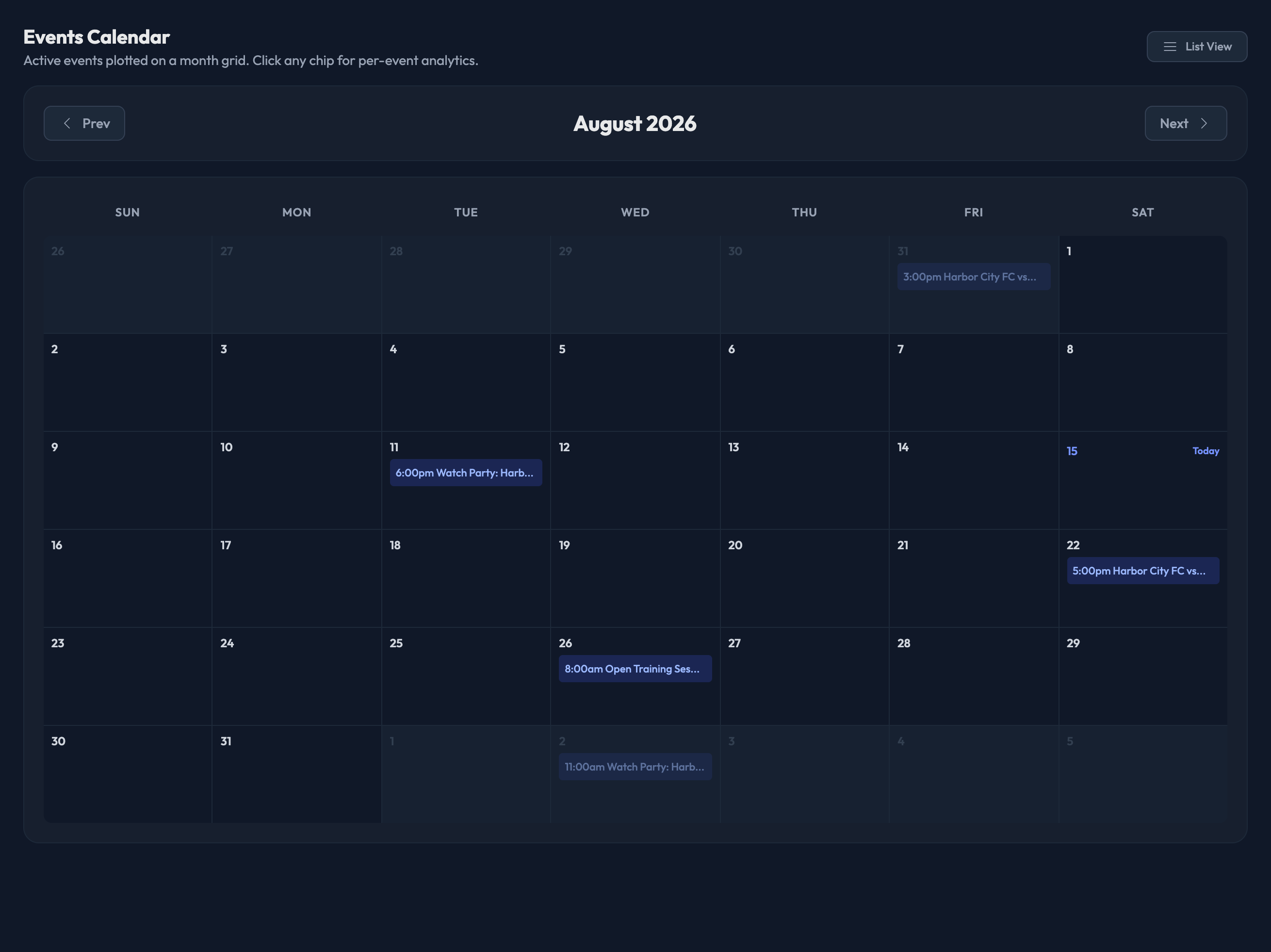
View your schedule here in the admin — Events › Events, then the "Calendar" button.
This is a month grid of your active events — the same events as the list, laid out by day.
Use Prev and Next to move between months. Today's date is marked "Today".
Each event shows as a chip with its start time and name. Click a chip to open that event's dashboard, where "Edit" takes you into its setup form.
Days with more than three events show the first three and a "+N more" count.
Use the "List View" button to go back to the event list, where the "New Event" button lives.

Note: For more information on creating a new event, please see our "Creating a New Event" article.