The Fanmaker SIDEARM sync pulls in events within 90 days, syncs twice a day, and only brings in SIDEARM Home events with a time listed.
For the sync to attach the right check-in venue to each event, every venue needs the correct venue topics — and they should be gender specific, so mention whether your men's or women's team plays there. For an Outdoor Track & Field venue, for example, the topics would be Track & Field, Outdoor Track, Men's Track & Field, and Women's Track & Field. Without every possible topic in place we can't match your SIDEARM calendar to your venues.

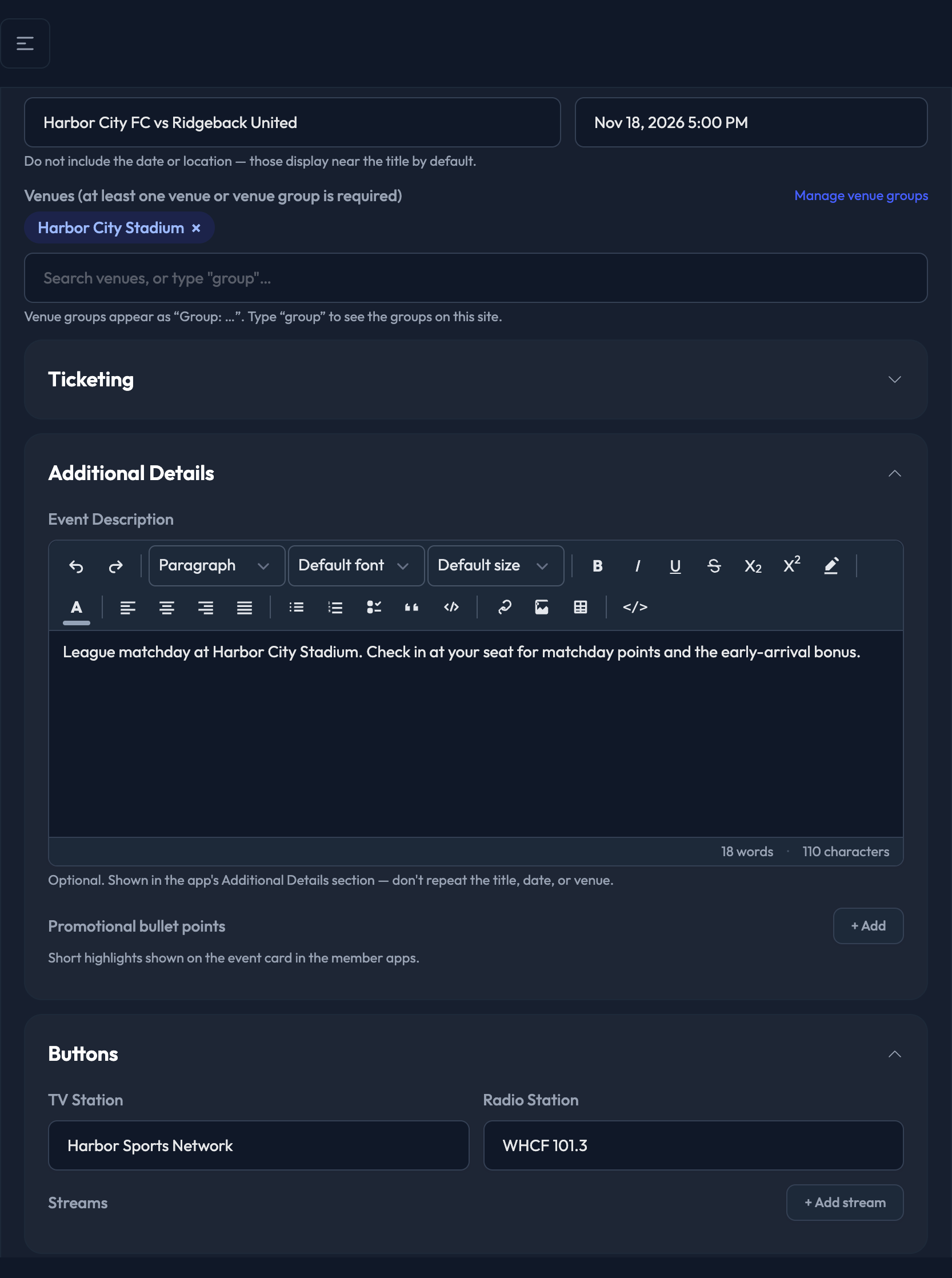
Once the sync is operational, events land in your event list automatically under Events › Events. They look like this:
Event Title: Gender Specific Sport vs. Opponent
Event Start Time: the start time listed in SIDEARM
Venues: the venue whose gender-specific venue topic matches the sport in SIDEARM
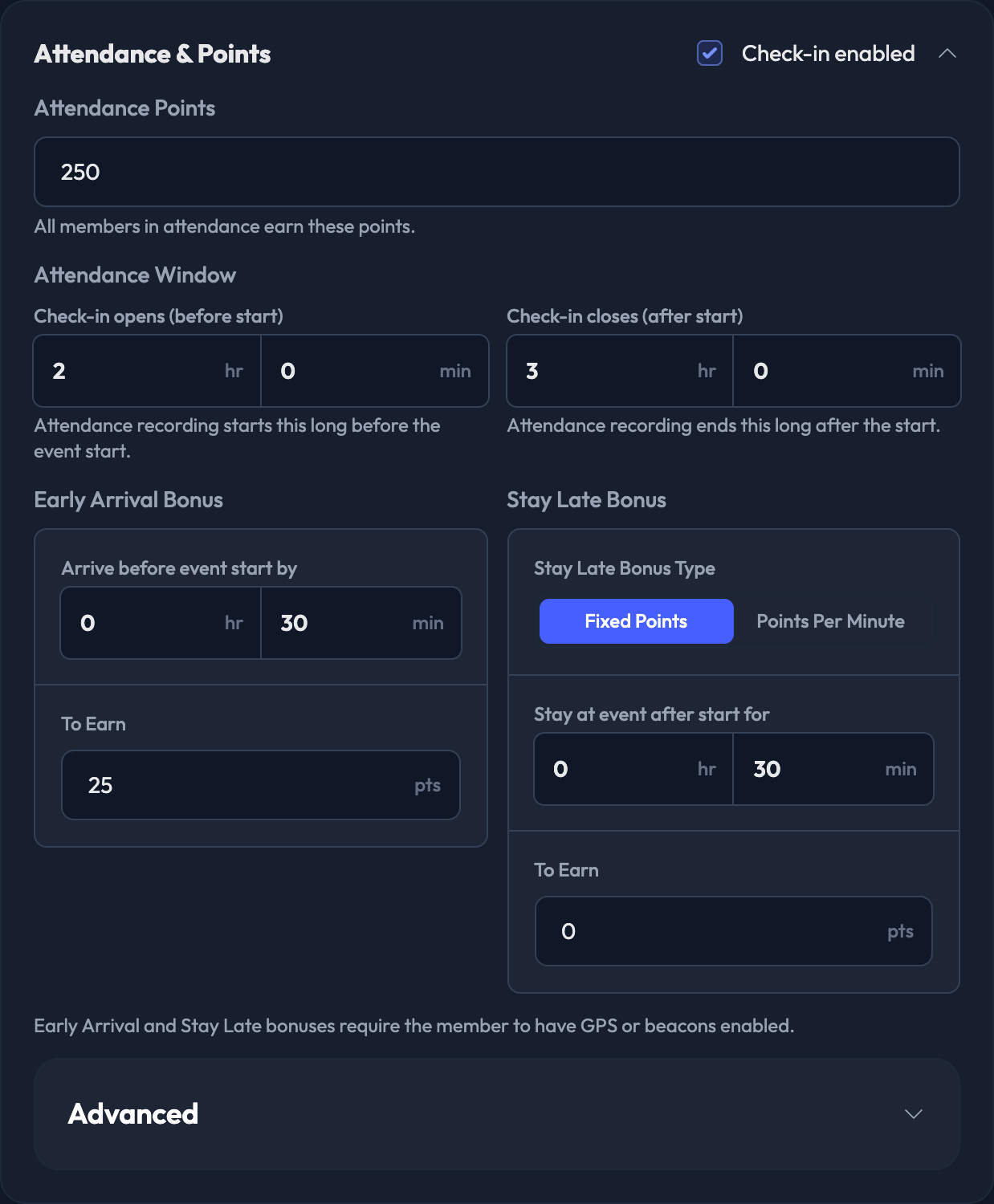
We can turn any of the settings below on or off, and adjust their values, for the events your SIDEARM sync brings in. Keep in mind these defaults apply to all future events across all sports, so adjust any event-specific or sport-specific point settings on the event itself before it happens.
Every one of these is editable per event in the admin — open the event from Events › Events and change it there.
CrowdCameo: On/Off
Gallery Points: default is 50 points. Members can only submit one photo per gallery.
Check-in enabled: On/Off
Attendance Window (defaults):
Check-in opens (before start): 1 hr 30 min
Check-in closes (after start): 3 hr
Attendance Points: 100
Early Arrival Bonus — arrive at least 30 minutes before the event start, To Earn: 100 points
Stay Late Bonus — stay at least 90 minutes after the event start, To Earn: 100 points
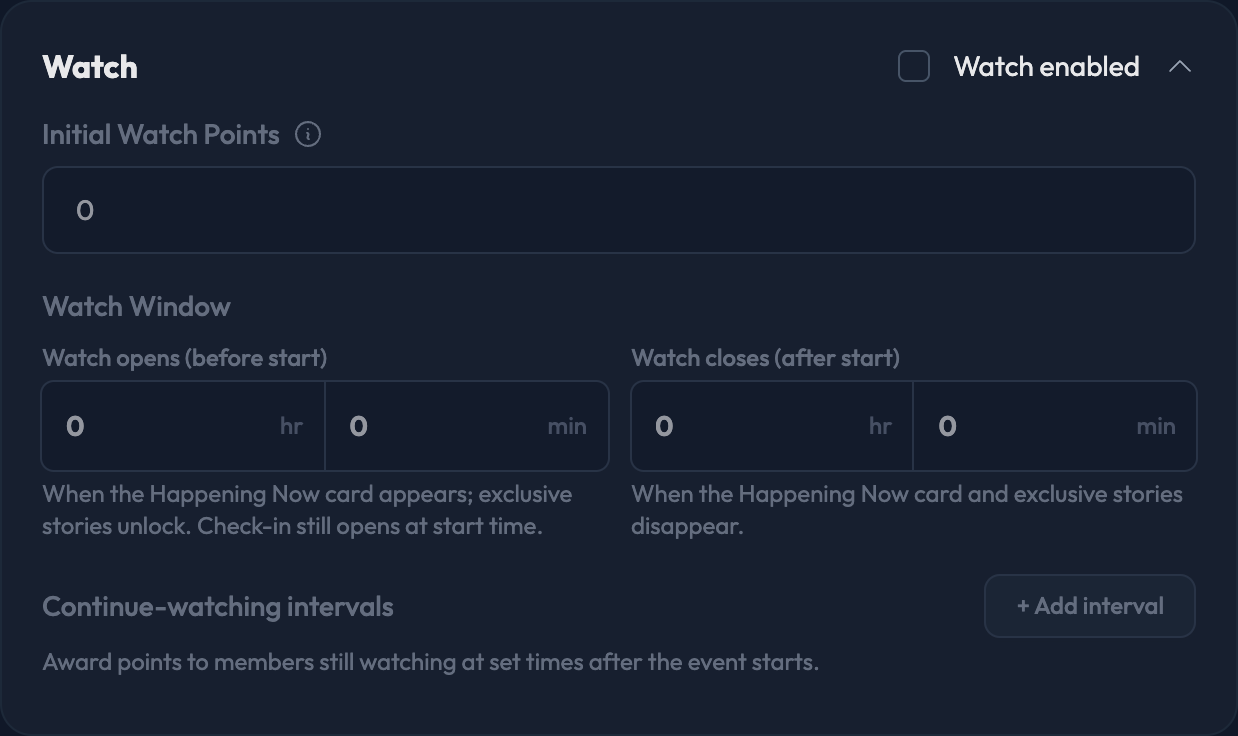
Watch enabled: On/Off
Watch Window (defaults):
Watch opens (before start): 1 hr
Watch closes (after start): 3 hr
Initial Watch Points: 25
Continue-watching interval: appears 90 minutes after event start, worth 25 points, shown for 10 minutes