
How fans join your program is shaped in two places: a switch you control yourself in Settings › General, and a handful of registration details your Fanmaker contact configures for you.
Turning registration on and off
In Settings › General, the Visibility card holds Registration enabled. Leave it checked and anyone can create an account. Uncheck it and non-members can no longer register — useful when a program is invitation-only, or when you are setting up and not ready for sign-ups yet.

Registration text
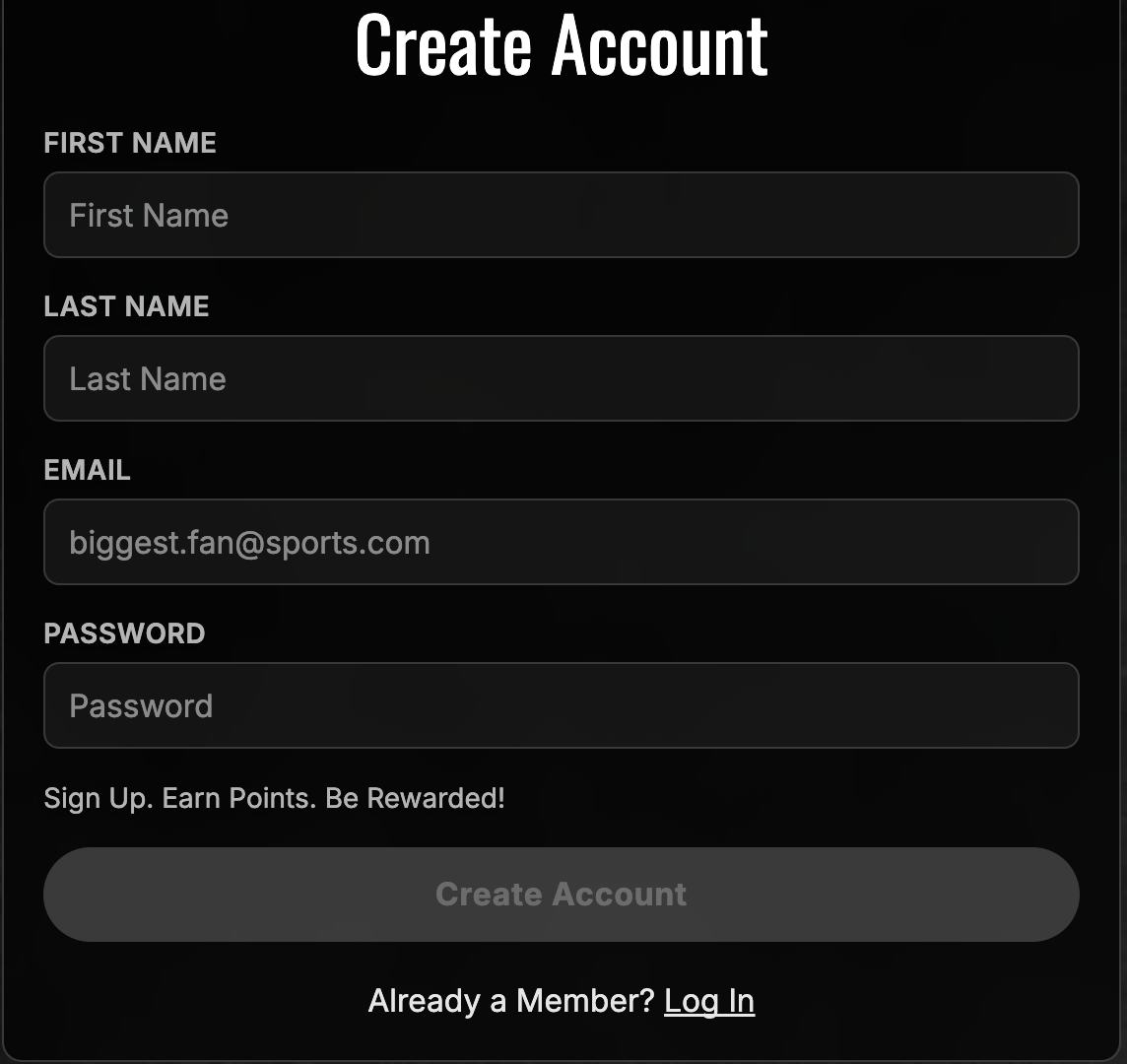
Also in Settings › General, under Terminology & Site Copy, Registration text is the copy that greets a fan on the first page of registration. Leave it blank and the page simply shows no intro.
This is a good place for a one-line welcome, a note about what membership gets them, or a pointer to your terms.
What your Fanmaker contact sets up
A few registration details are configured on our side rather than in your admin. Email [email protected] and we will take care of them:
Terms and conditions — whether they appear on the login and registration pages, whether a fan must accept them to finish registering, and the terms themselves. These stay in sync across desktop, mobile web and the mobile app.
Registration tags — the dropdown of fan groups on the second page of registration.
Which profile questions are asked, and which of them are required.