
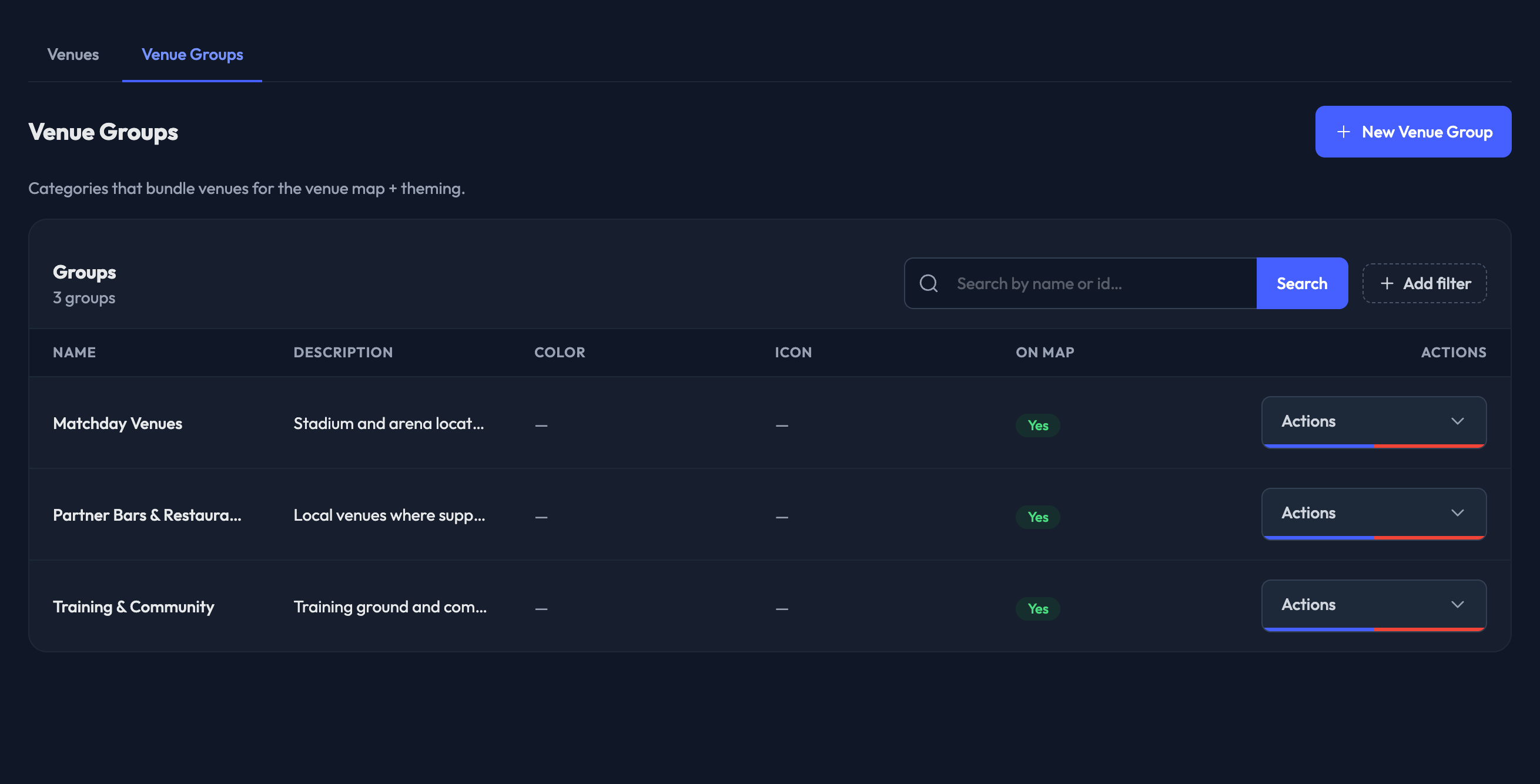
View and edit Venue Groups in the admin here — Events › Venues, then the "Venue Groups" tab.
A venue group is a set of venues you can treat as one location. Groups can be linked to events, making check-in available when a member is within the check-in radius of any venue in that group. They're also what the Map feature groups pins by.
The list shows each group's Name, Description, Color, Icon, and whether it's On Map.
Create a New Venue Group
Click "New Venue Group".
1. Enter the Name (up to 50 characters).
2. Enter a Description — the public description for this group, up to 200 characters. (Optional)
3. Check "Show on map" if venues in this group should appear on the fan venue map. (Optional)
4. Check "Display group name" to show the group's name instead of the first venue's name. (Optional)
5. Set the Map icon color, which overrides the theme's default venue icon color. (Optional)
6. Upload an Icon image — a 150×150 transparent PNG, shown instead of the color dot. (Optional)
7. Click "Create Venue Group" to save. On an existing group the button reads "Save Changes".

This makes it easy to change eligible check-in locations for events without having to edit them within the event or re-assign the full venue group.