Use this guide to test Fanmaker on your Toast POS before go-live. Supports: loyalty points, reward redemption, Fanmaker balance payments, and gift cards.

Have a test fan (member ID, reward, stored value) and two kinds of gift cards:
A card loaded in Fanmaker: created with a value, so it's already active. Use it to test Balance Inquiry, paying with a gift card and Add Value.
An inactive $0 card: created with the Inactive option, so Toast can sell it. Use it to test Sell Card. See Creating Inactive Gift Cards.
1. Tap Rewards > Look Up Customer.
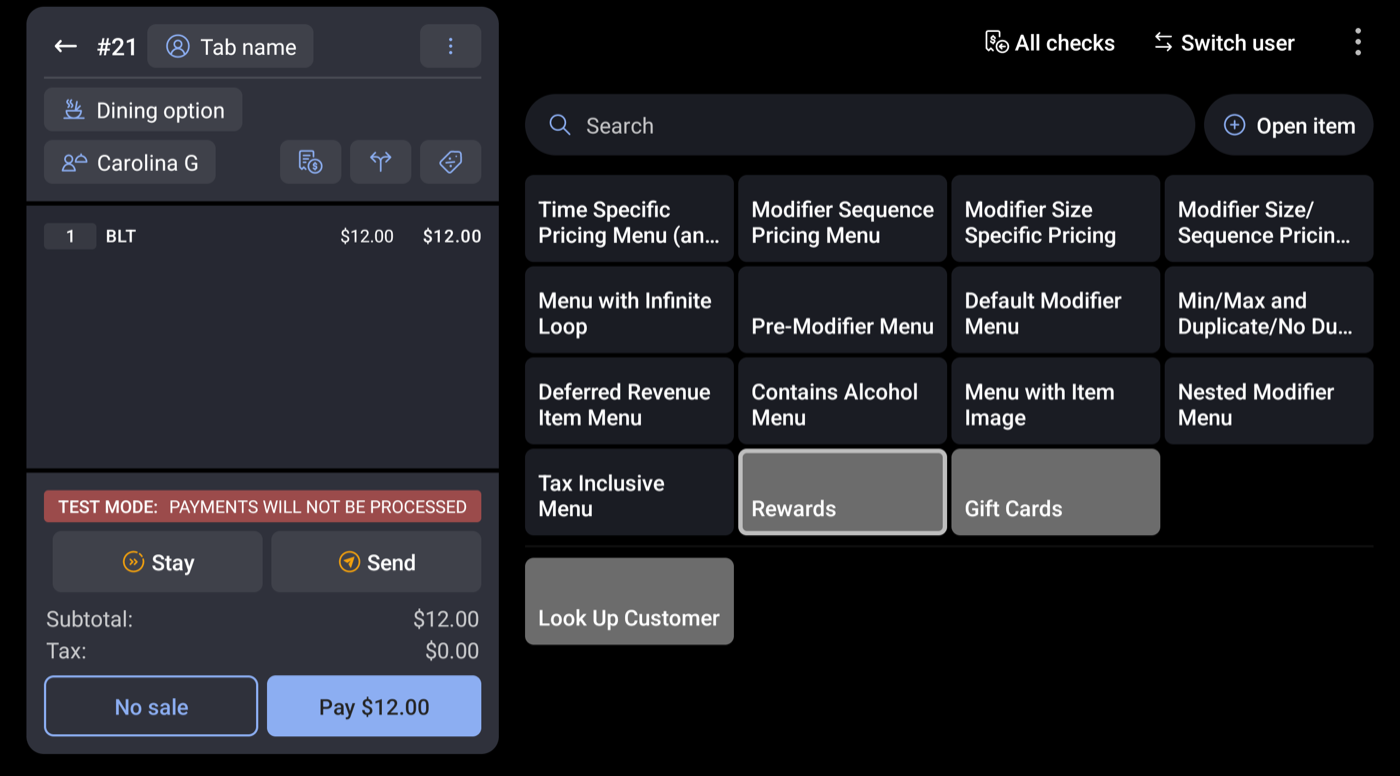
2. Enter member ID and tap Done.
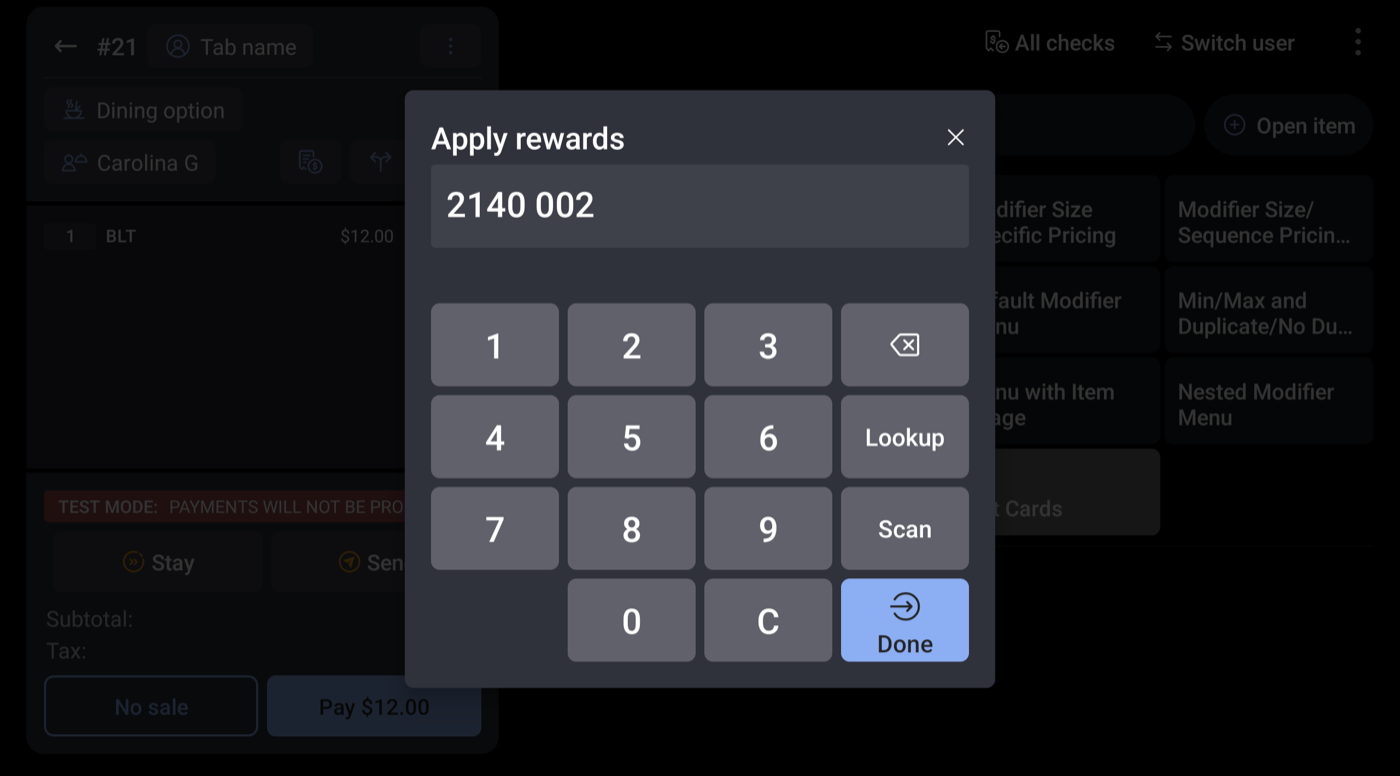
3. Or tap Lookup to search by name, email or phone.
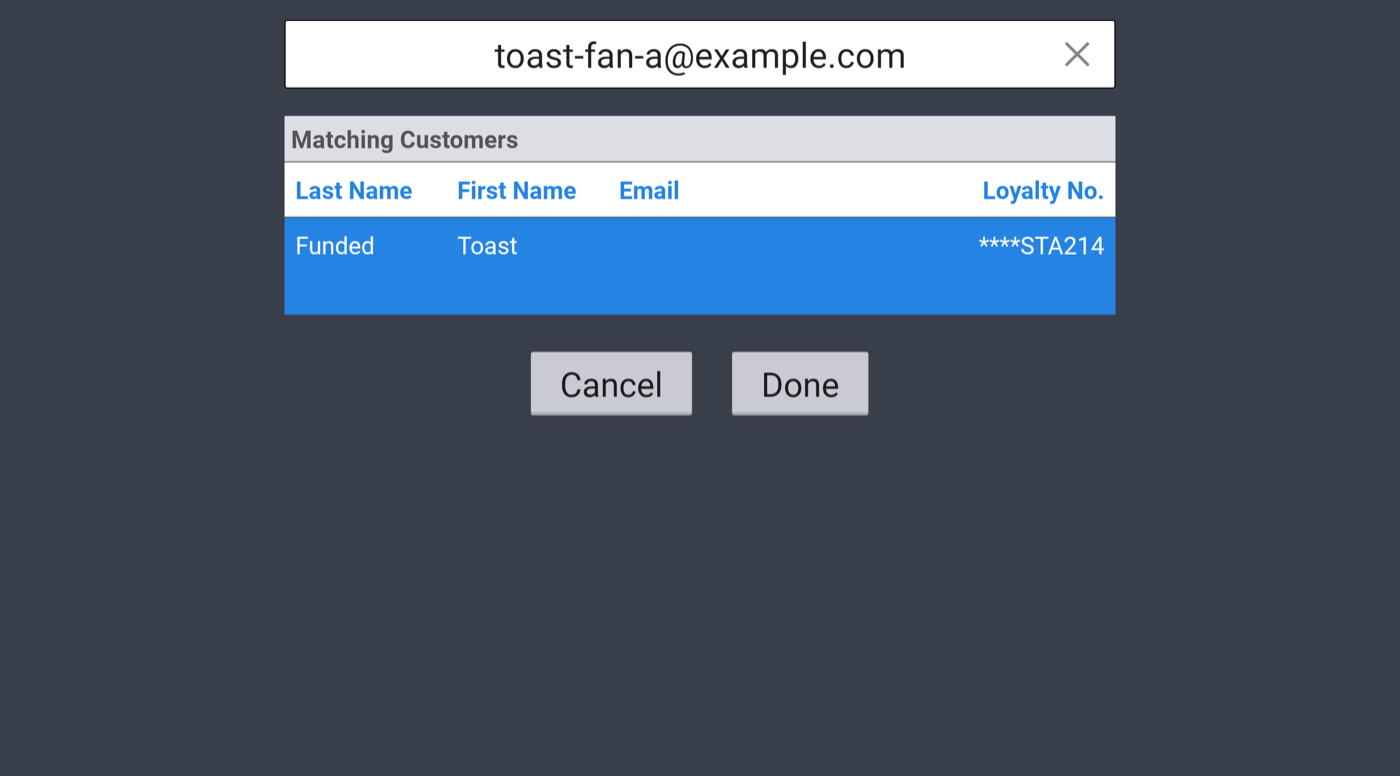
1. Add items. 2. Find fan, tap Next to skip rewards. 3. Pay.

1. Add items. 2. Find fan. 3. Tap Redeem on a reward.
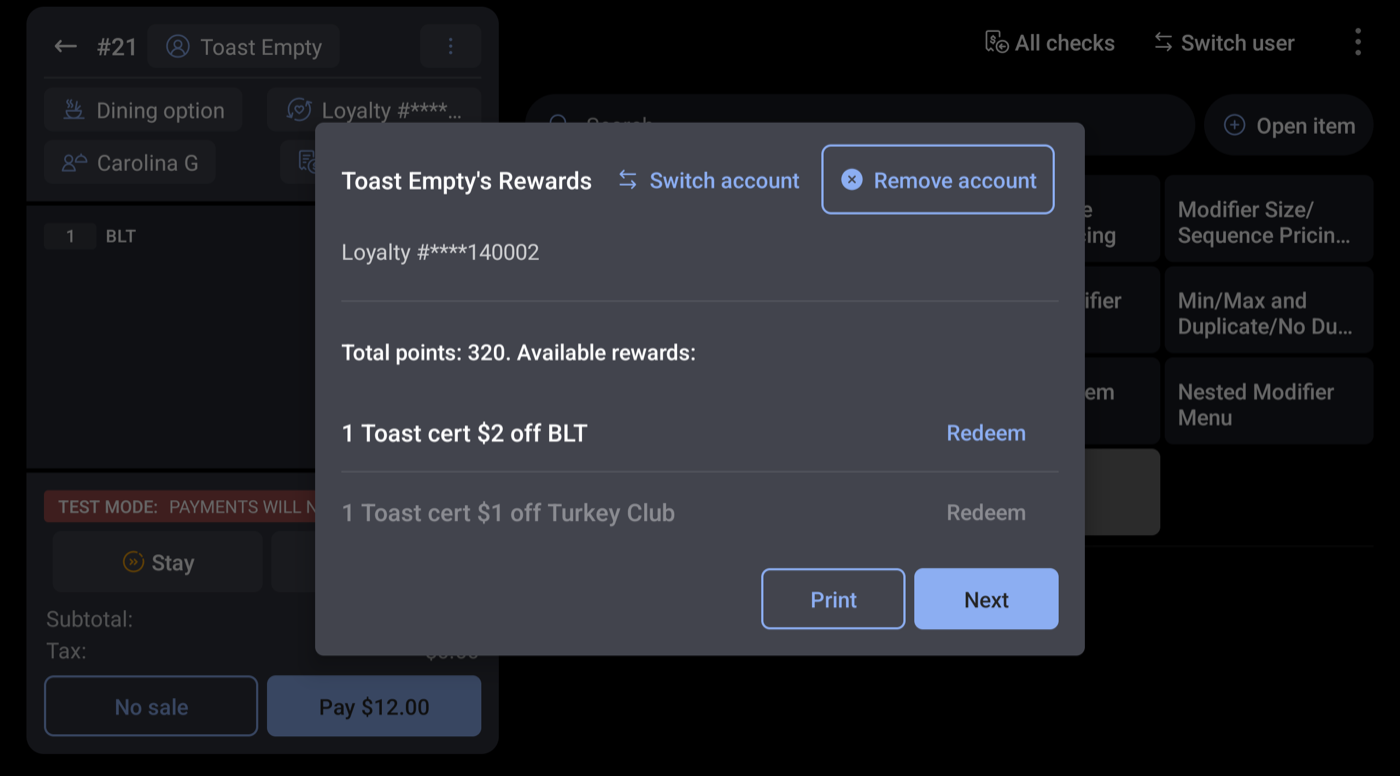
4. Discount shows; pay the check.
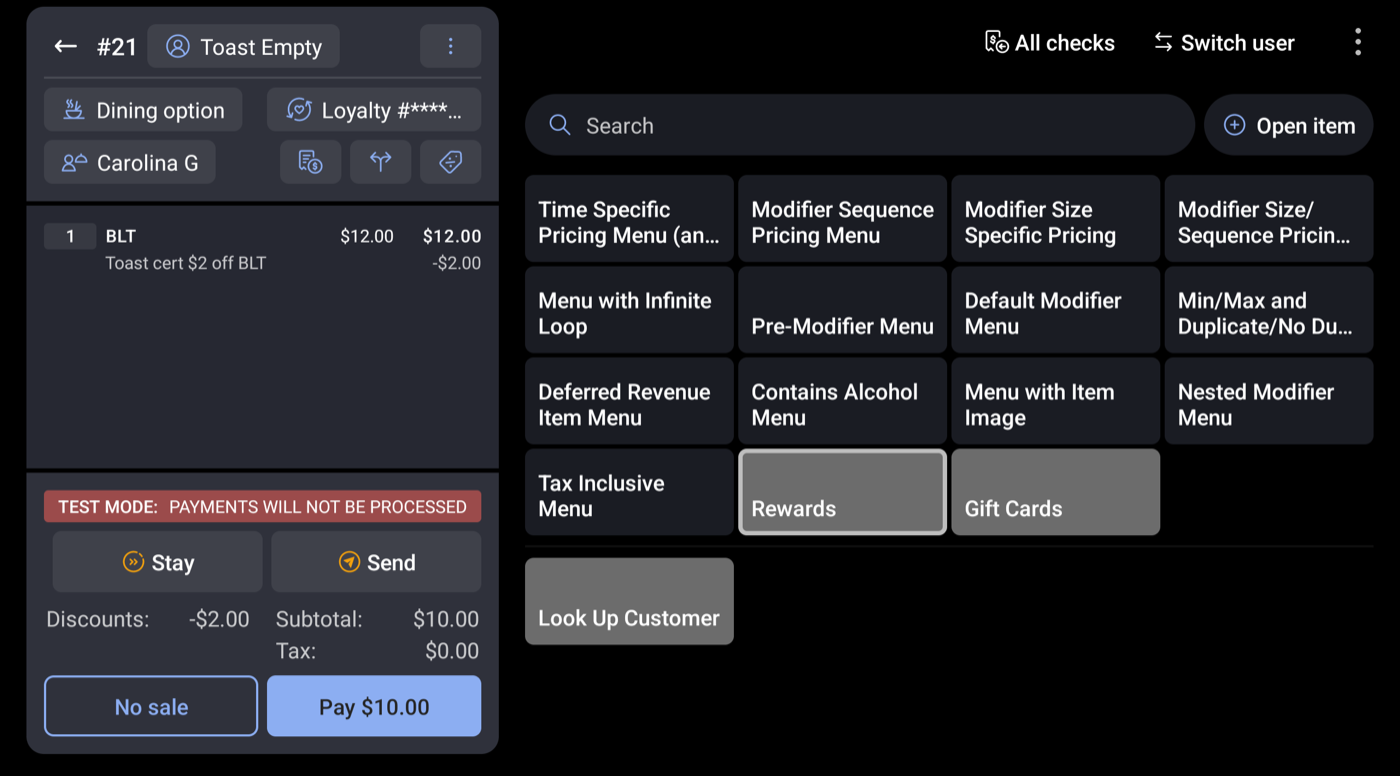
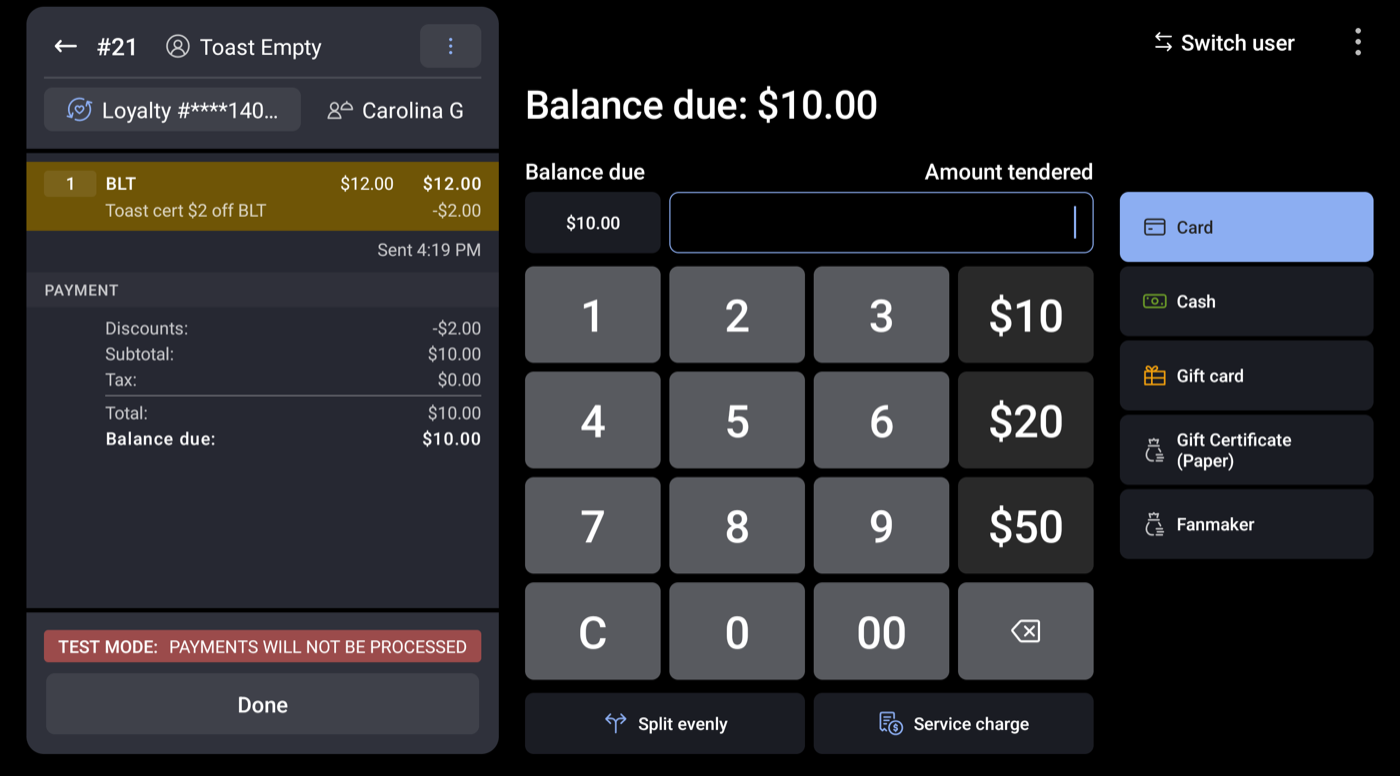
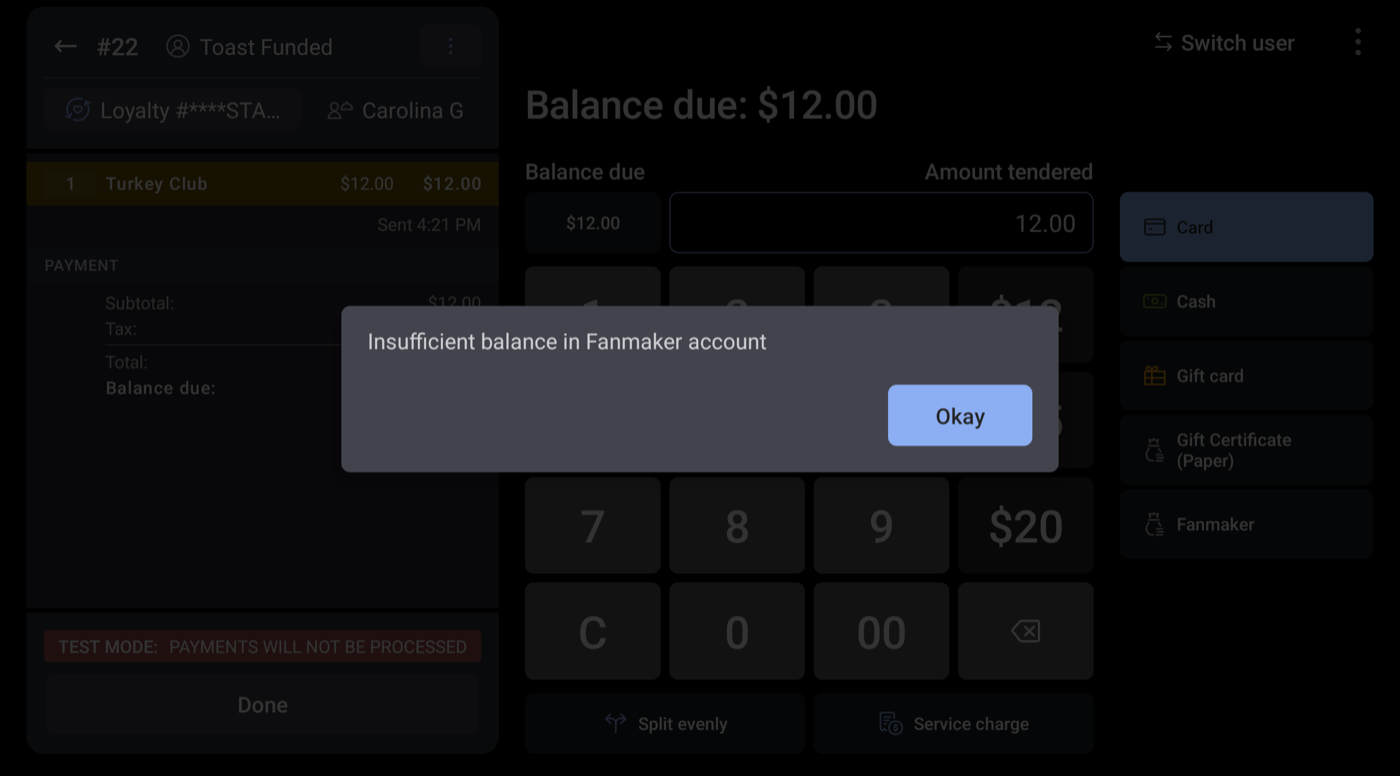
1. Add items, tap Pay. 2. Optional: enter a partial amount. 3. Tap Fanmaker.
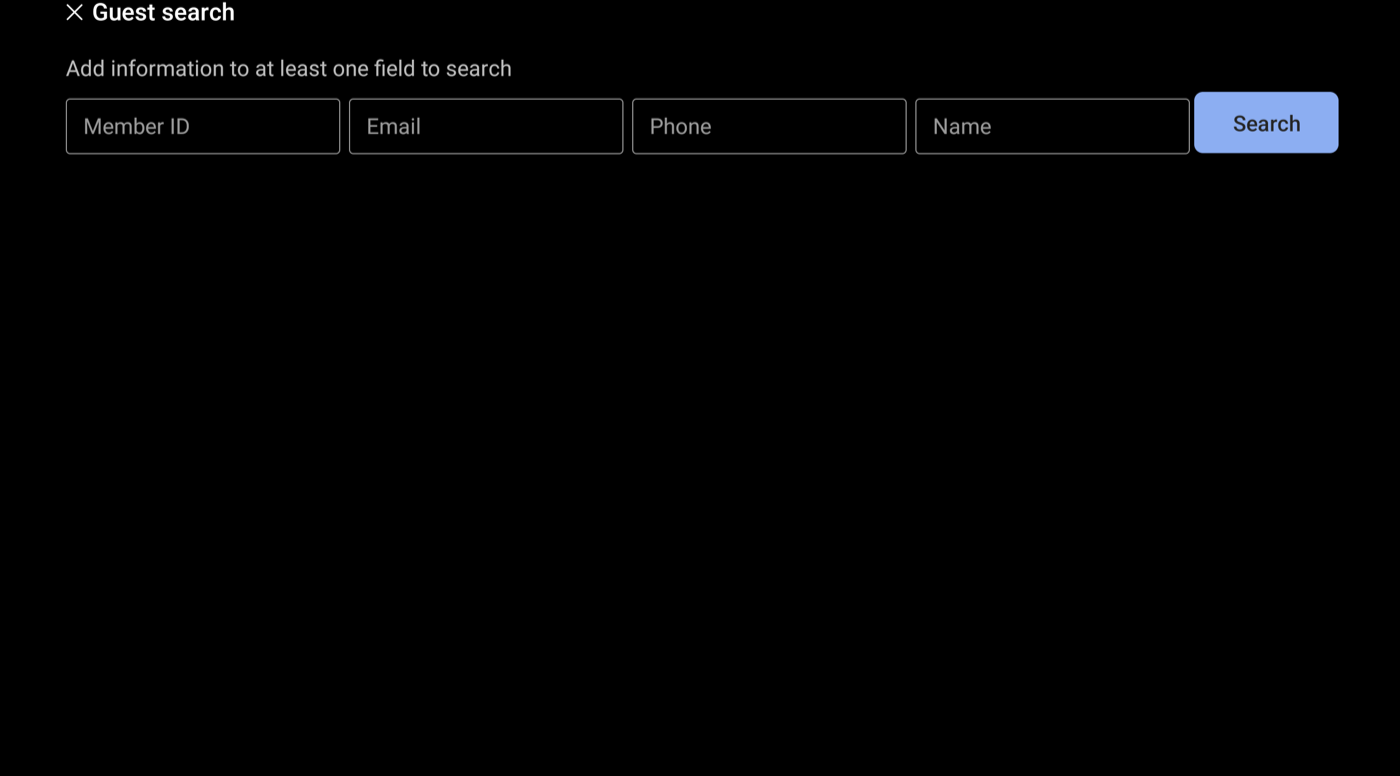
4. Search by Member ID, Email, Phone or Name and tap Search.
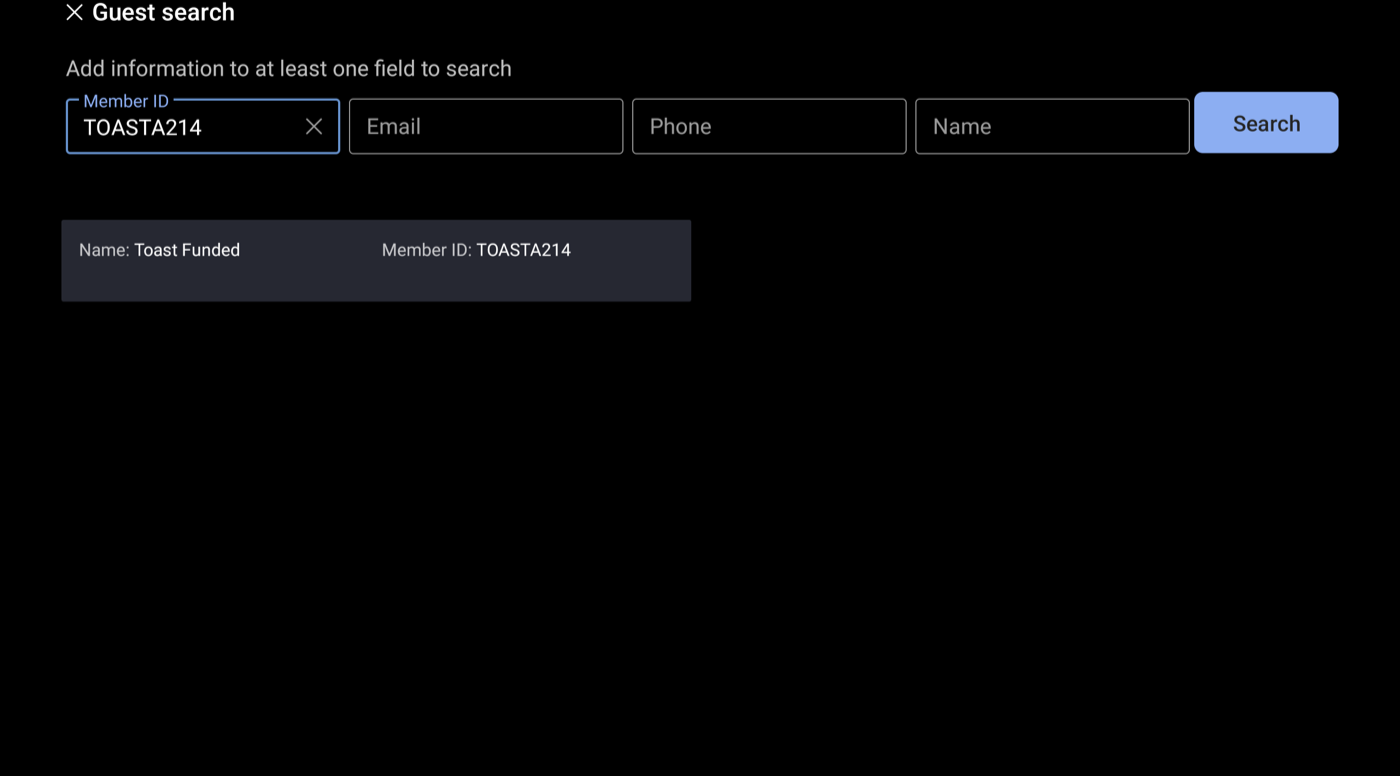
5. Tap the fan.
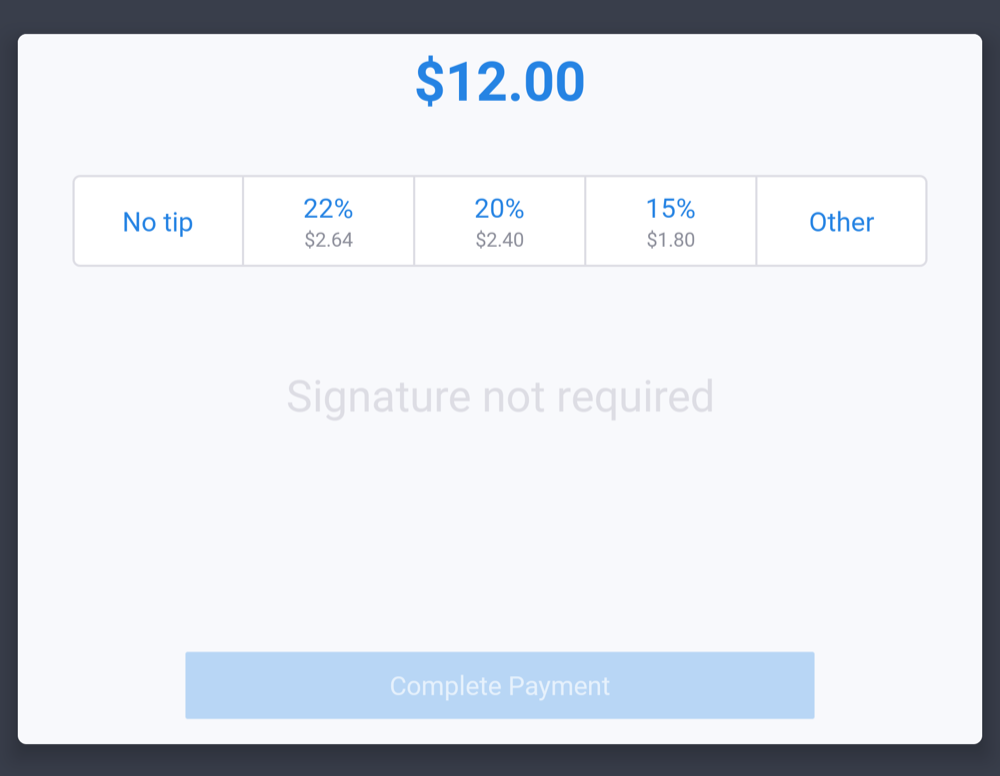
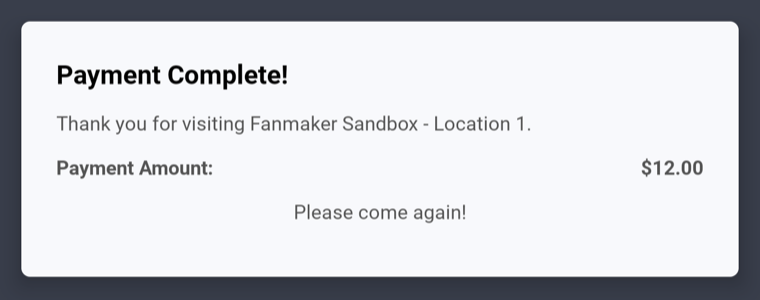
6. Choose a tip, tap Complete Payment.
Who loads the card?
A Fanmaker gift card is loaded in one of two ways, and that decides whether you use Sell Card:
Loaded by | Card state in Fanmaker | At the register |
Fanmaker (created with a value, one at a time, as a range, or by import) | Active, with the value already on it | Skip Sell Card. Go straight to Balance Inquiry, pay with the card, or Add Value. |
Toast (sold at the register with Sell Card) | Must be inactive with $0 before the sale | Use Sell Card. When the check is paid, the card is activated and loaded with the amount paid. |
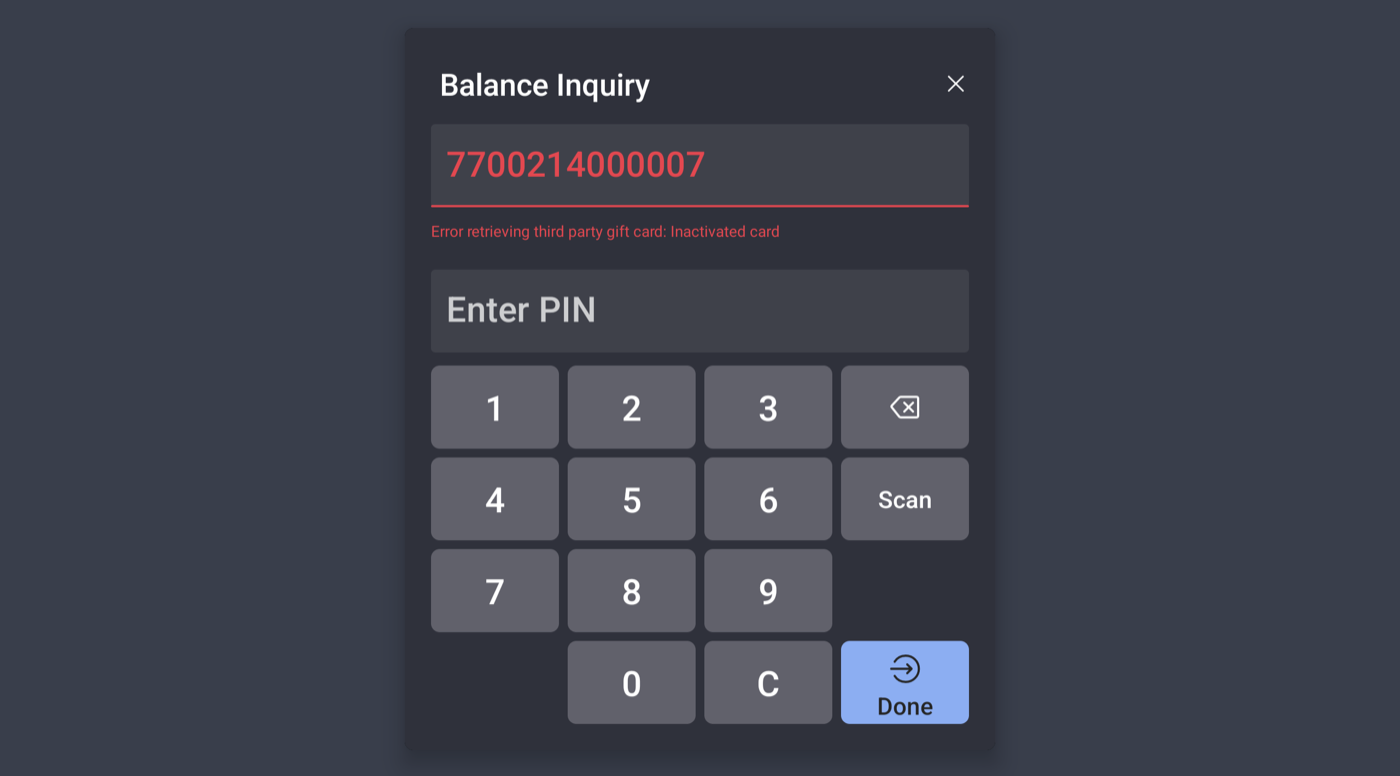
If you use Sell Card on a card that's already active, Toast stops the sale and says the card is already active. Nothing is charged or loaded. To put more money on an active card, use Add Value instead.
To prepare cards for Sell Card, create them as inactive in Fanmaker first. See Creating Inactive Gift Cards.
1. Tap Gift Cards > Sell Card. 2. Enter amount, tap Next.
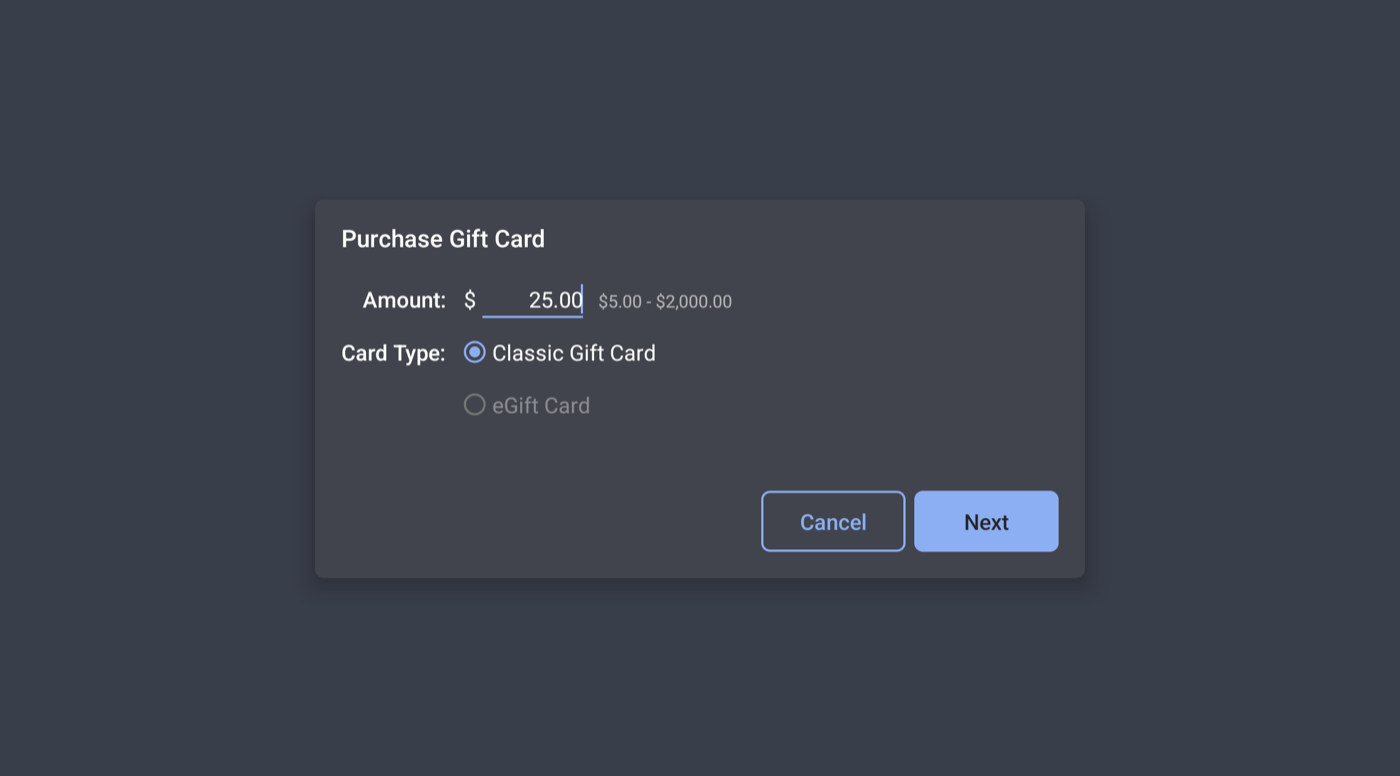
3. Enter/scan card number (and PIN if used), tap Done. 4. Pay the check.
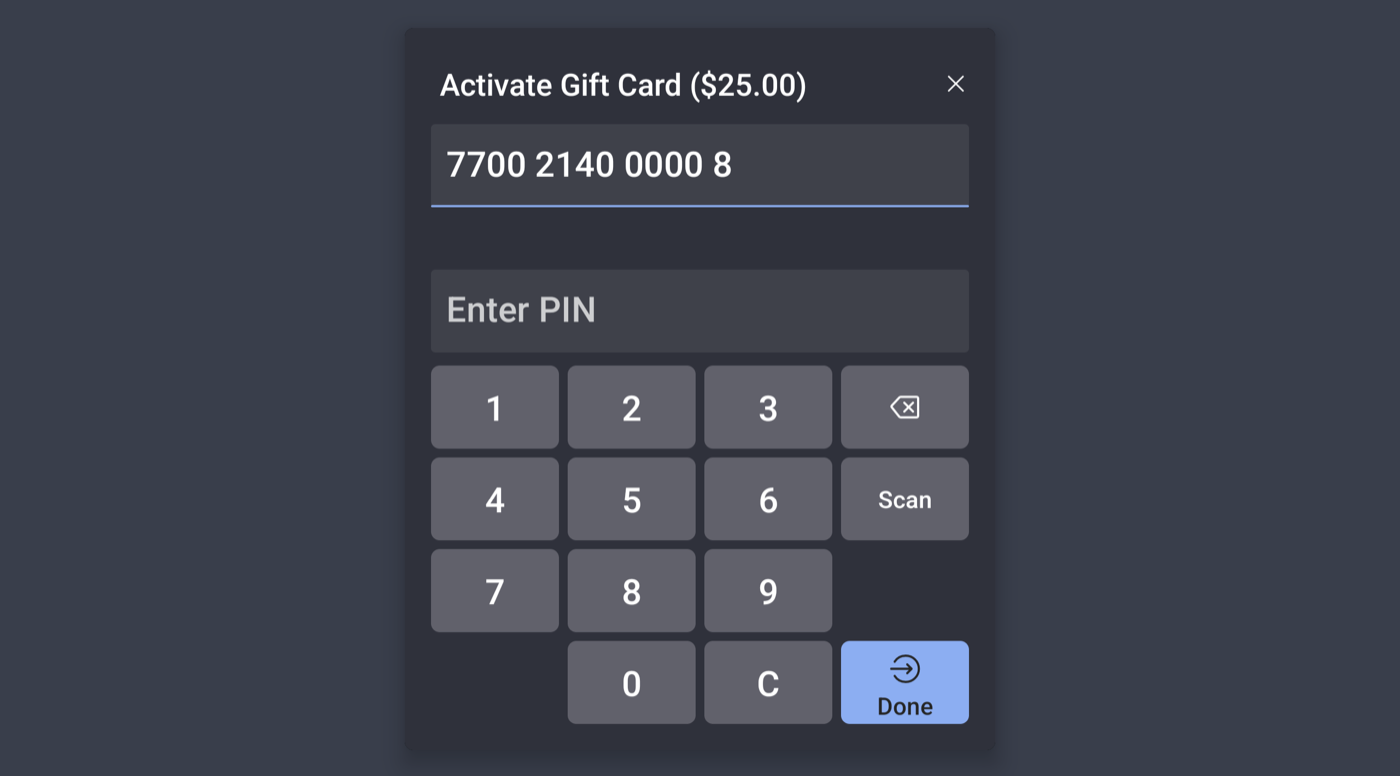
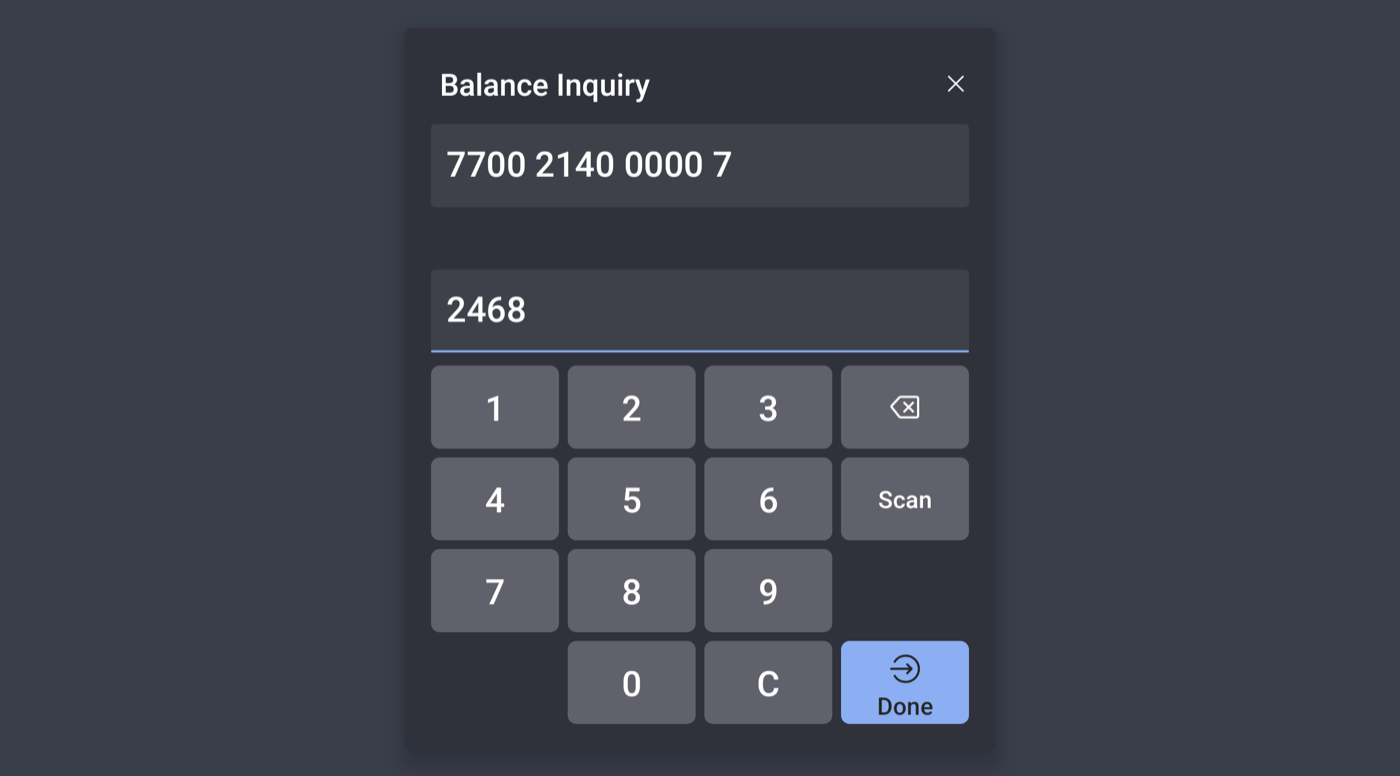
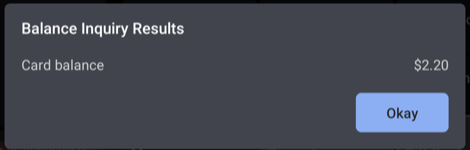
1. Tap Gift Cards > Balance Inquiry. 2. Enter card number (and PIN), tap Done.
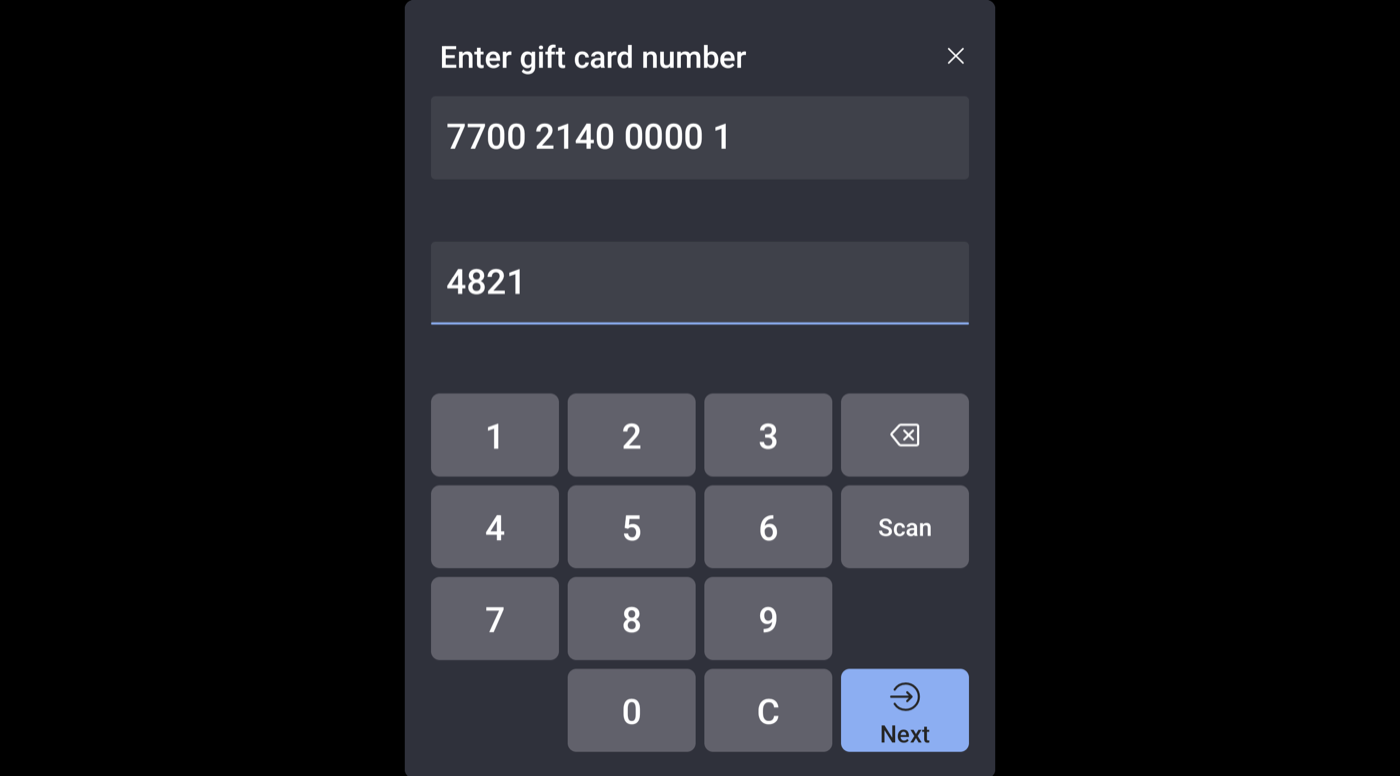
1. On payment screen, tap Gift card. 2. Enter card number (and PIN), tap Next.
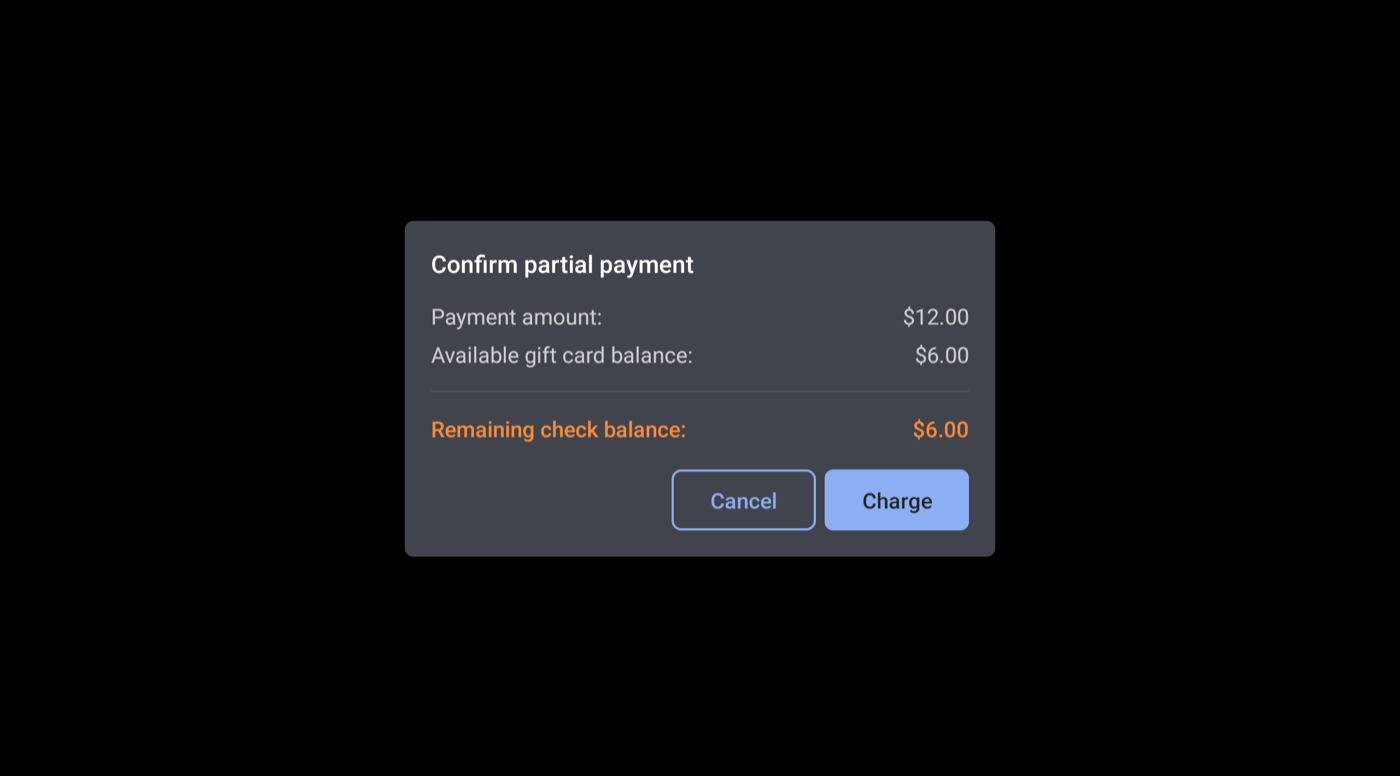
3. If balance is short, tap Charge, then pay the rest another way.
Add value: tap Gift Cards > Add Value ($), enter amount and card number, pay the check.
1. Open a paid test check and void an item or the payment.
Need setup help first? See Toast Integration Setup.
