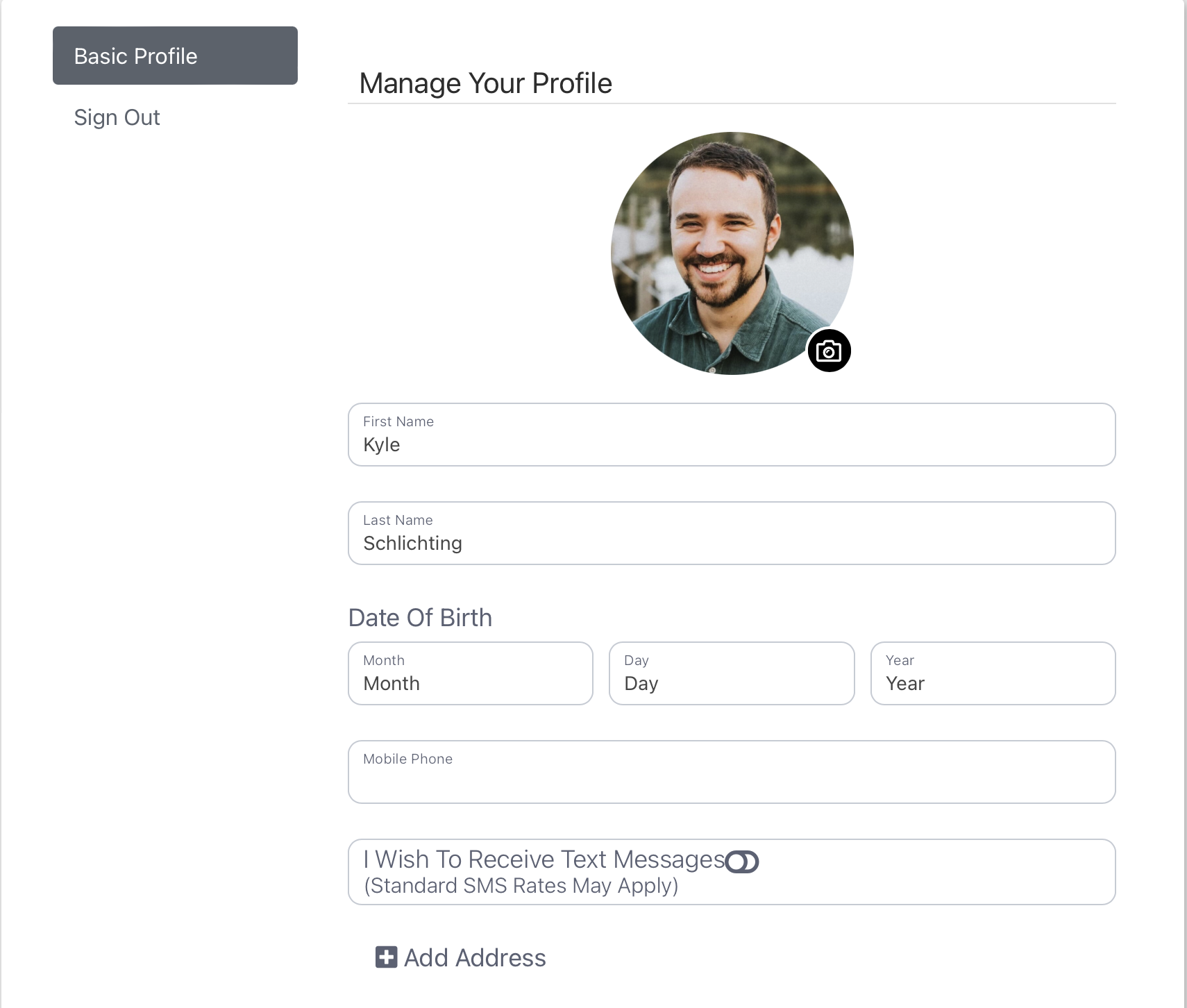
Here you are able to manage which questions will be asked of members to complete or update within their profile. You're able to turn all profile manager preferences on or off and even require preferences to be filled out at registration by your members. To change the order of the questions asked, simply drag and drop. After dragging a preference into the position that you wish, the system will automatically save it in place.
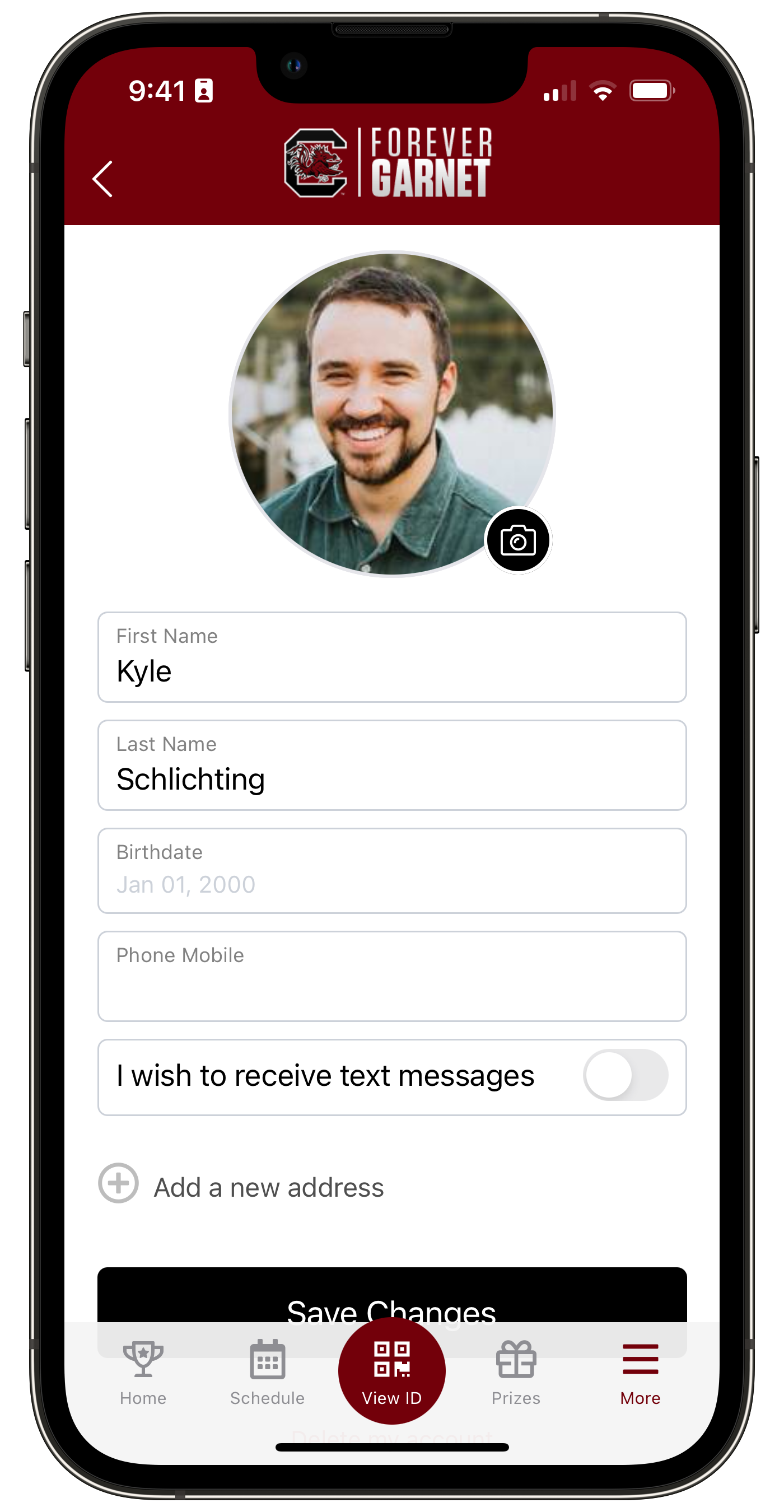
1. First Name.
2. Last Name.
3. Birthdate.
4. Gender.
5. Relationship Status.
6. Phone Mobile.
7. Phone Home.
8. Phone Office.
9. SMS List.
10. Email List.
11. Address Editor.
12. Ticketmaster.